This report located under Customer / Customer Sales Analysis - Invoice Line Margin Exceptions (CUSTSA50) has been added to allow users to identify Products being sold with the incorrect Margin.
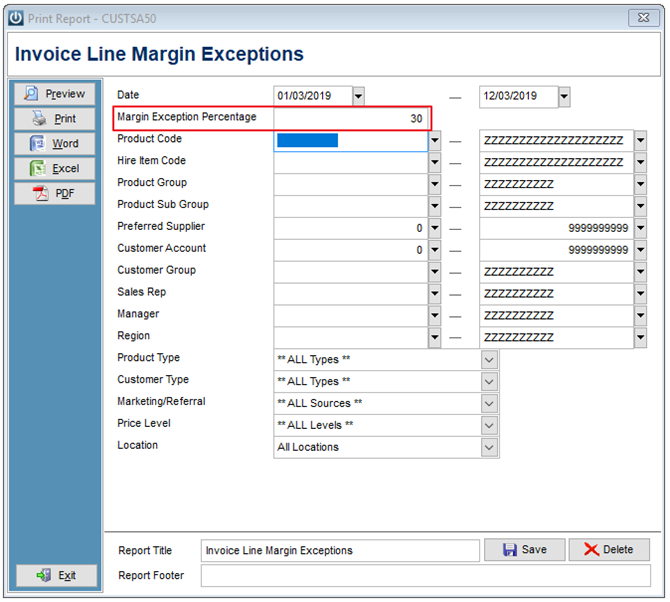
In the Margin Exception Percentage Box enter the Percentage figure.
Preview
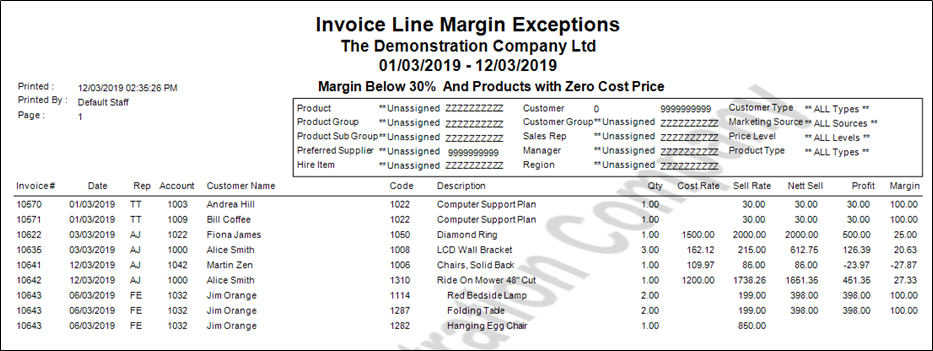
The report will automatically show any Products sold without a Cost Price. These can be corrected by Editing Posted Invoices
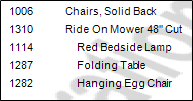
Where the Description has been Indented, like the last three items, this has been done to show that the Products have come from a Buildup.
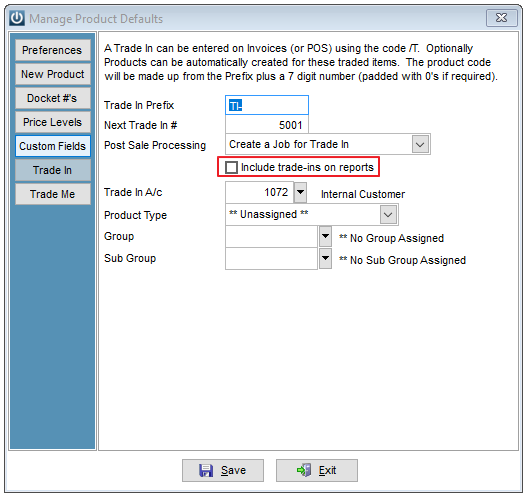
Trade In Purchases will only show on this report if under Admin / Defaults / Manage Product Defaults - Trade In. The Include Trade-Ins on reports flag as shown below has been selected.
Comments
0 comments
Please sign in to leave a comment.