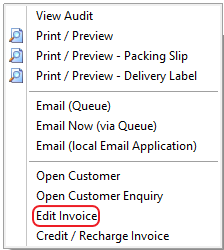
It is possible to edit parts of a Posted Invoice by right clicking in either the Manage Invoice or the Customer Transactions screen.
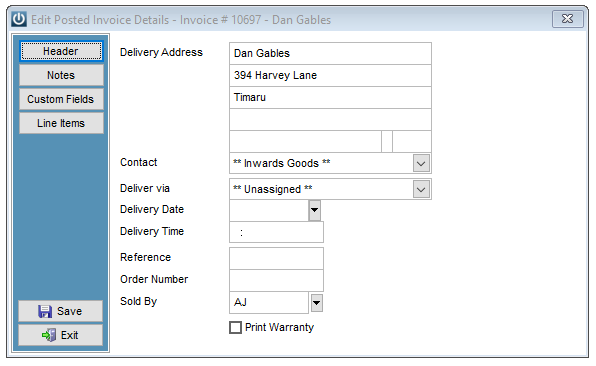
The Delivery Address, Contact, Time, Reference Number, Order Number, Sold By and ability to reprint the Warranty can all be edited on the Header.
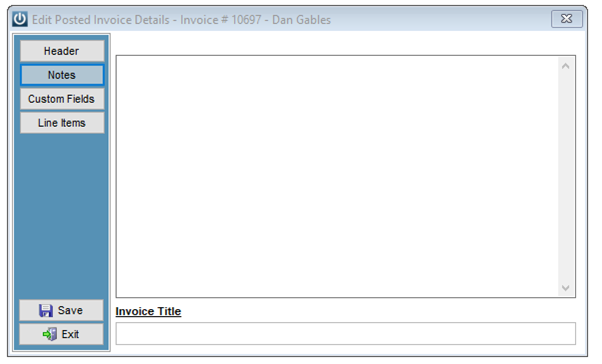
Notes are able to be added or corrected
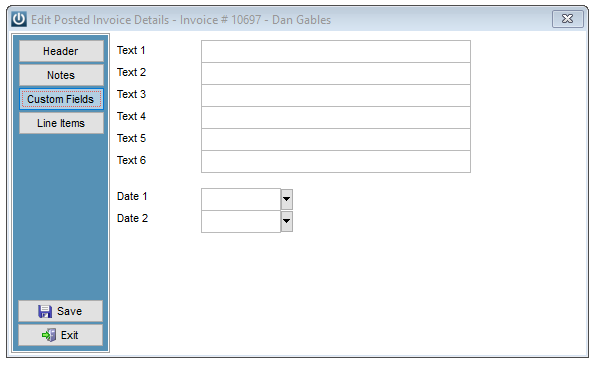
As are Custom Fields
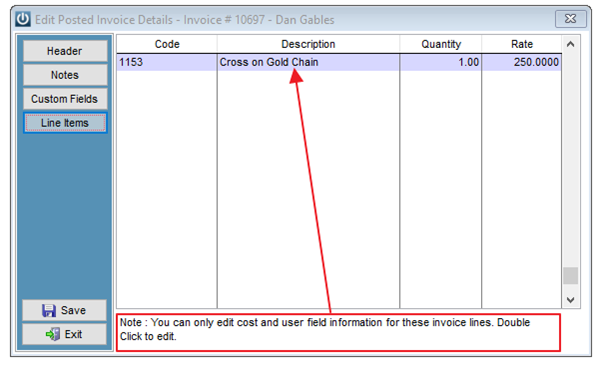
On the Line Items screen, the Cost price of products can be edited. To edit the Cost price, double click on the Description.
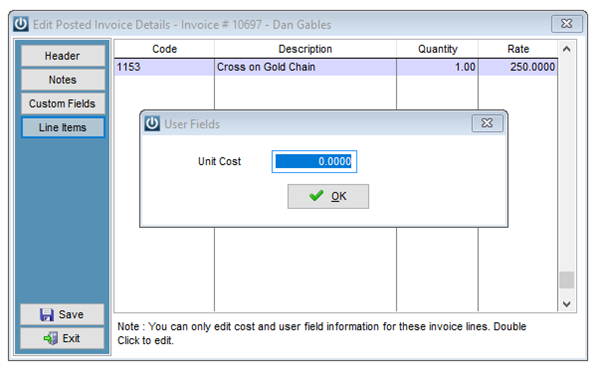
The Unit Cost box will appear and the cost price can be changed. Please note, the Cost Price will not be updated on the Product, only on the Invoice and Sales Analysis Reports.
Save to keep all changes made and exit.
Comments
0 comments
Please sign in to leave a comment.