We want to send another Customer a similar quote, do I have to re-enter the quote or can I copy it?
Solution
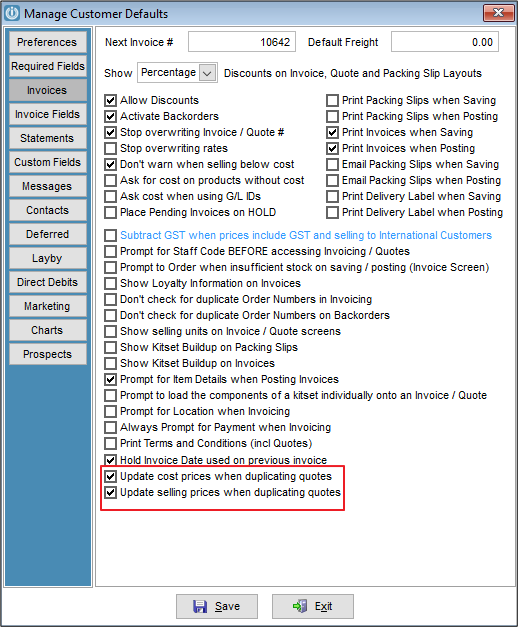
Introduced in 9.100 is the option to Update the cost or selling prices when duplicating quote. The defaults for this can be set by going to Admin / Defaults / Manage Customer Defaults and selecting the tickboxes as below. This will still allow the user to decide whether to update prices on each quote duplication.
At the bottom of the Manage Quote screen there is a duplicate Button. Have the quote to be duplicated highlighted and select the button, a prompt will appear
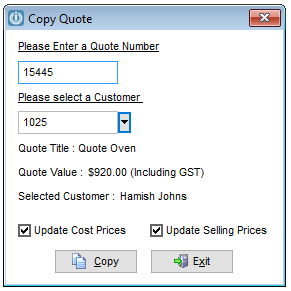
This will show the existing quote number and allow the selection of the Customer. It shows the Quote Title and Value along with the New Customer.
If the defaults have been selected the Update Cost Prices or Update Selling Prices will be ticked. If the defaults have not been set, these boxed will be empty, but can be selected on a case by case basis.
The following prompts appear
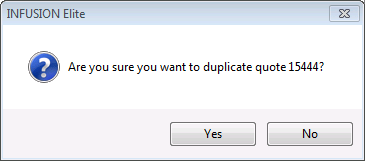
The are you sure message will show
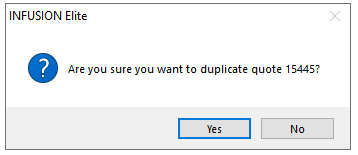
The quote has been duplicated, do you need to edit it now?
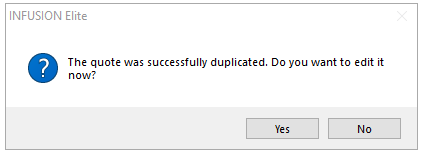
If you are selecting yes here, you will see the quote
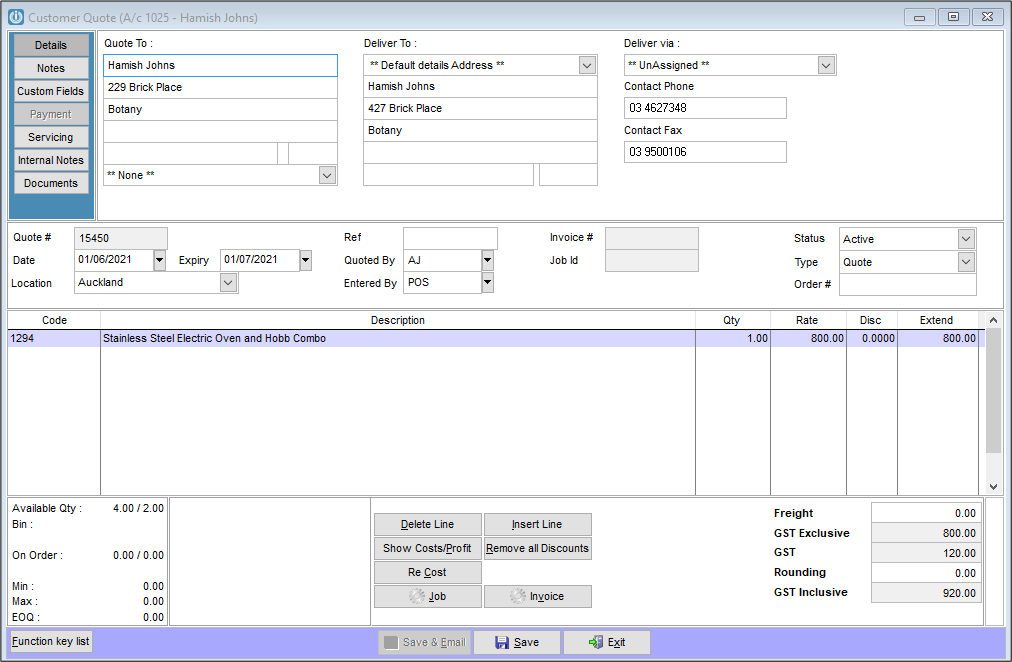
The new quote is opened and editable. If Update Selling Prices was ticked, the sell prices have been recalculated to the current sell price for the customer.
If Update Cost Prices was ticked, the cost prices have been updated to the current costs for each product.
See Entering a Quote for instructions on editing the quote.
Comments
0 comments
Please sign in to leave a comment.