My Customer has a credit on their account, how do I refund this back to them?
Solution
To repay the refund into the Customer simply go to Customer / Receive Payment.
Enter the date and method as necessary.
Enter the credit amount into the Paying Now column and use the Receive now button.
The Prompt will appear
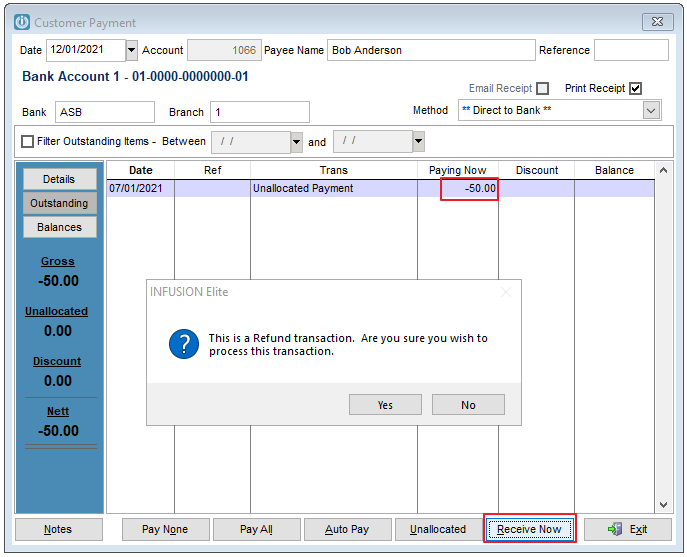
In the Method select the way the refund will be processed or in the Customer Defaults, tick the Prompt for Refund Method when issuing a Refund.
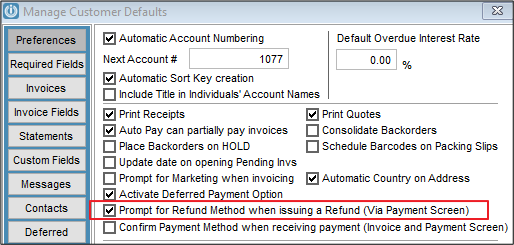
Having this activated will bring up an additional prompt regardless of the Method selected.
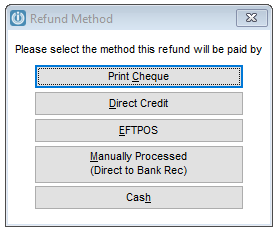
Once the method is selected, the refund will be correctly distributed.
Please see the links below for specific instructions:
Comments
0 comments
Please sign in to leave a comment.