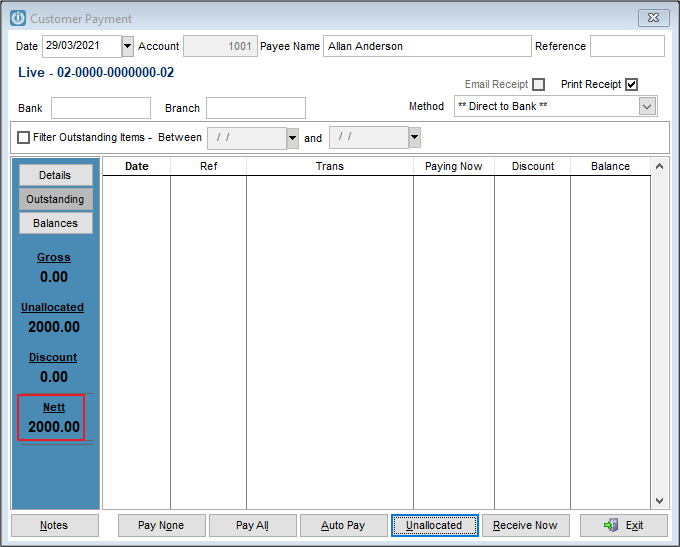
I entered an Unallocated Payment against my customer
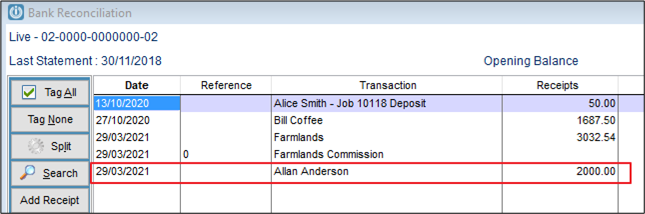
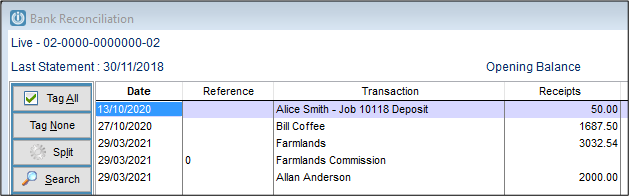
It showed up correctly in my Bank Rec
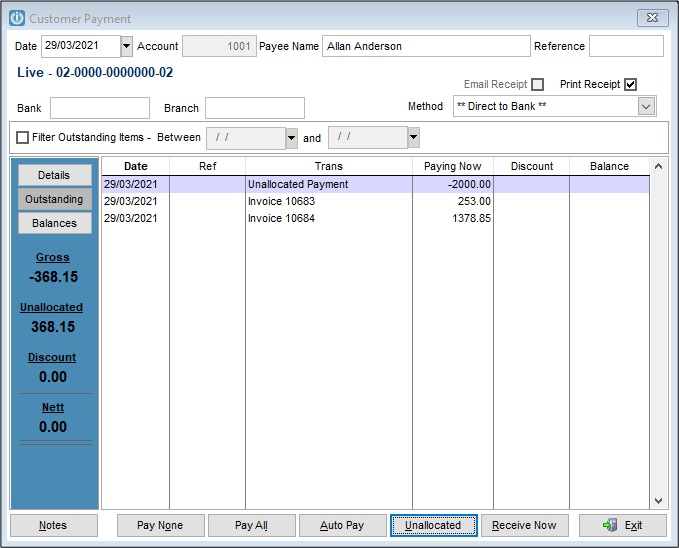
I then went back and paid matched the unallocated payments to the Invoices. But these did not match and I created another Unallocated Payment.
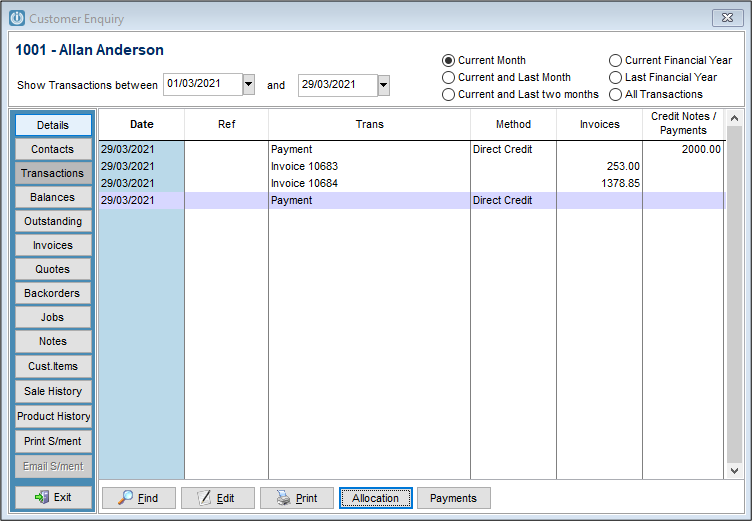
The second payment shows on the Customer Enquiry with a zero balance.
Where has the outstanding $-368.15 gone? This will still show under the Outstanding Tab.
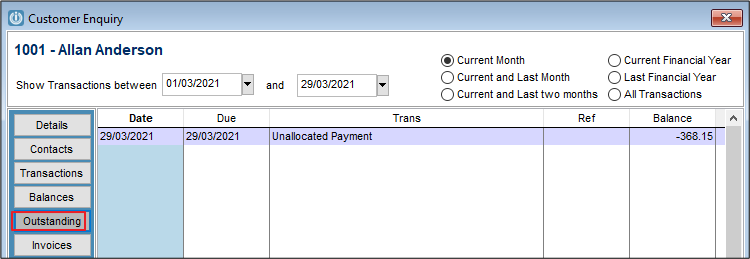
Looking at the allocation of the Zero payment we can see the second Unallocated Payment
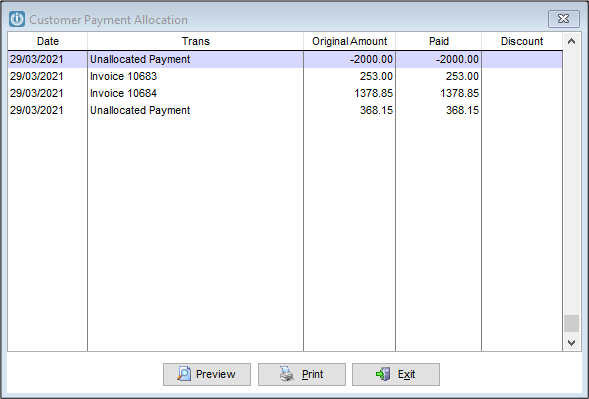
Checking the Bank Rec, we only see the initial payment. This is because no more money has been received. The second Unallocated Payment is the unused portion of the initial payment. The Unallocated Payment has been created to deal with this amount of money.
Deleting Unallocated Payments
Going to Admin / Deleting / Delete Customer Payment only shows me the payment with the zero total.

This is because the first Unallocated payment has been used in the second payment.
If I were to go back, I can now delete the $2,000 payment.

The account shows the outstanding invoices only.
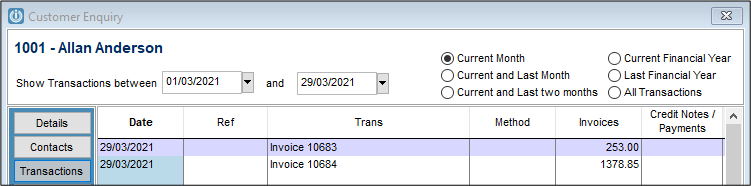
It shows no payments at all.
If the original payment has not been reconciled, on the Bank Rec, we can see that the payment of $2,000 have gone and in it's place is a zero value Payment Reversal.
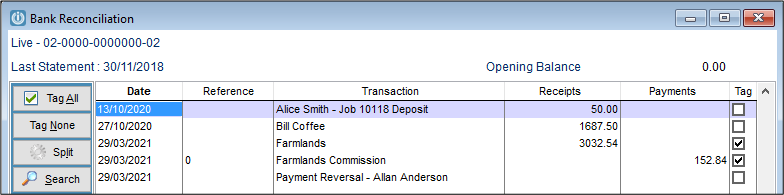
If however the payment has been reconciled, when the payments are deleted they will show. The zero balance payment and the $2,000 Payment Reversal.
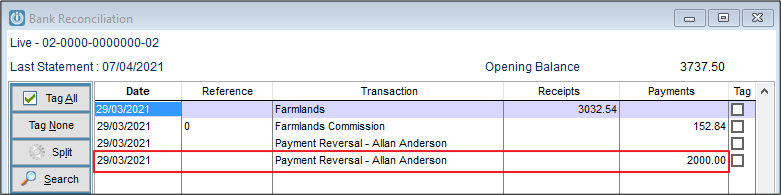
Because the Bank Rec included the $2,000 when it was closed off, by deleting it we now "owe" the bank account this figure.
Entering the payment against the correct customer will then be used to match the payment reversal.
Comments
0 comments
Please sign in to leave a comment.