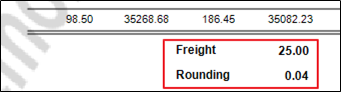
My Sales Analysis reports have Rounding and Freight at the bottom of them, how do I see what these figures are made up of?
Solution
To see what makes up these figures, check Admin / Defaults / Manage Financial Defaults
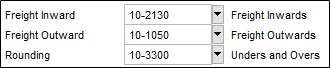
Using the G/L Transaction Detail Report under Financials enter the date range and either the Rounding or Freight Outward.
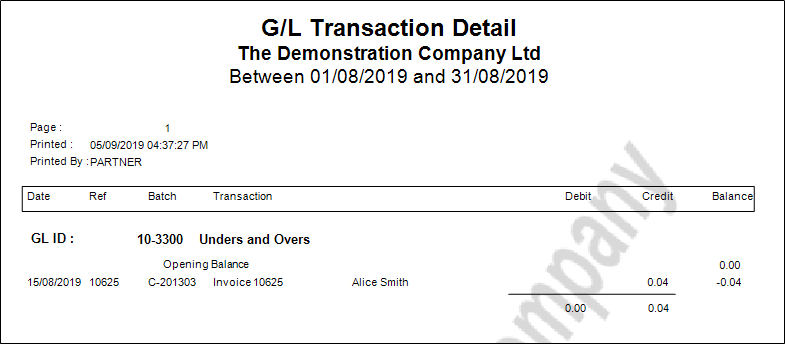
The report will detail all of the transactions.
Comments
0 comments
Please sign in to leave a comment.