Updates to the Customer Contact screen now show the Contacts in a list with the Contacts and details at the top.
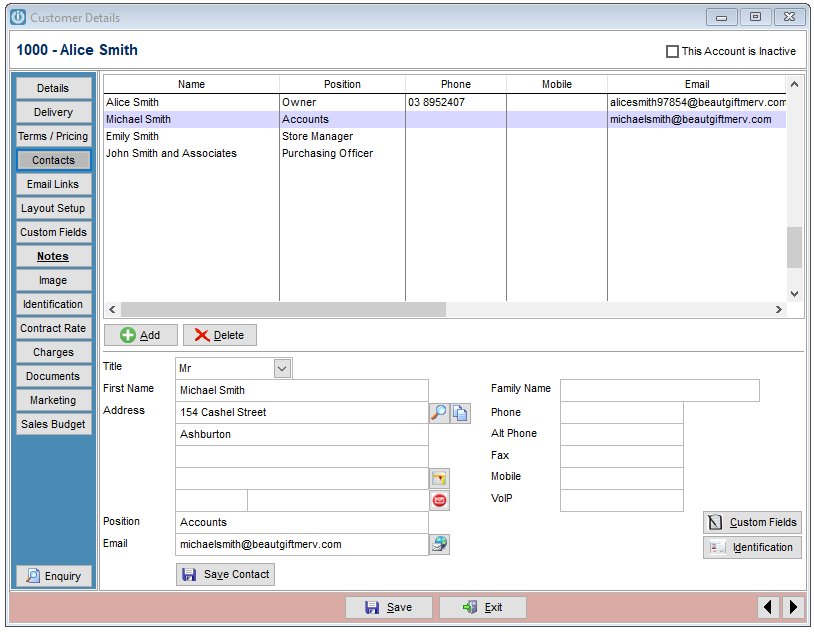
Contacts can be edited by highlighting to bring the details into the bottom screen, once any changes have been made, use the Save Contact Button.
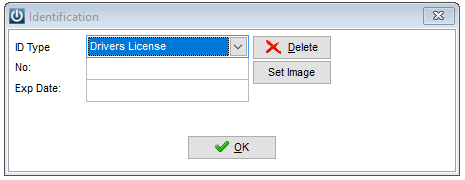
Where the Contact has Custom Fields and Identification, selecting these buttons will bring up new windows.
The order of the Customers are depends on the Link Numbers in Custconts
Comments
0 comments
Please sign in to leave a comment.