A Quote when set up has an Expiry Date.
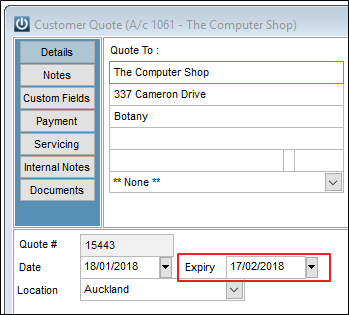
Reporting on Expired Quotes
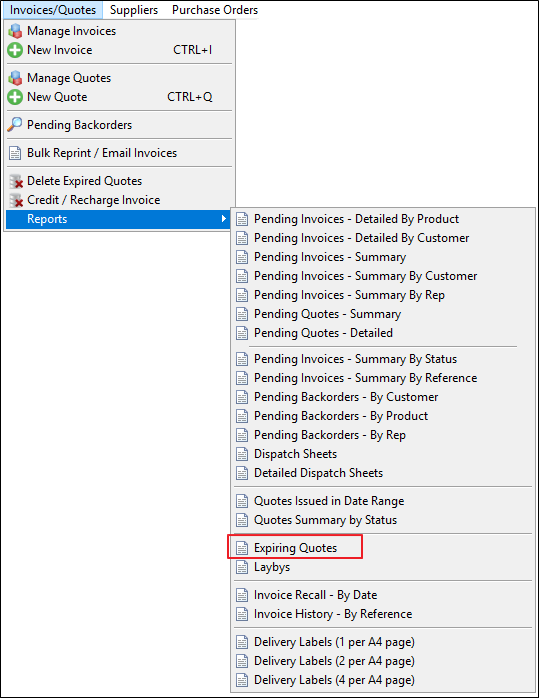
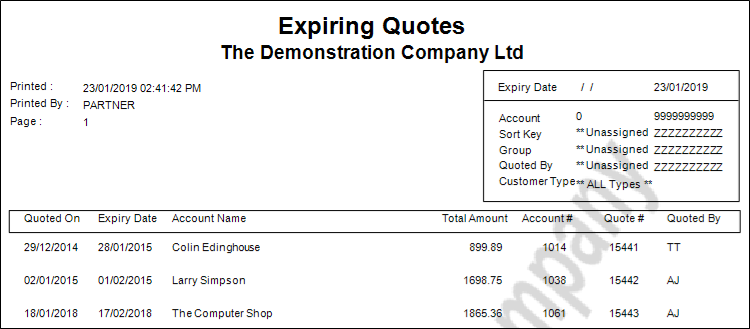
This allows the system to report on Expiring Quotes. The report is located under Invoices/Quotes / Reports - Expiring Quotes
The Parameters Screen shows the below options
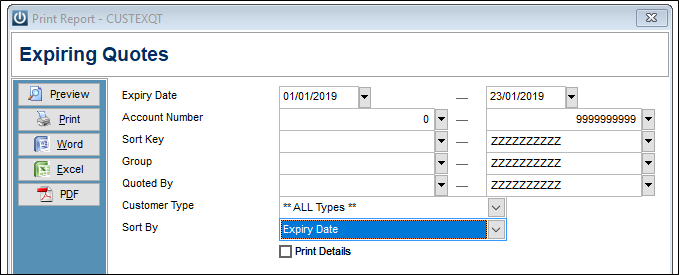
Ensure you either delete or enter the first Expiry Date.
Deleting Expired Quotes
From Invoices/Quotes / Delete Expired Quotes there is an option that will allow the user to Delete Expired Quotes.
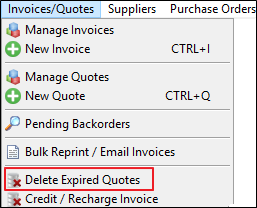
After selecting the following prompt appears.
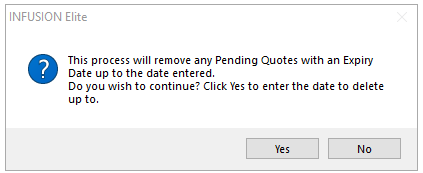
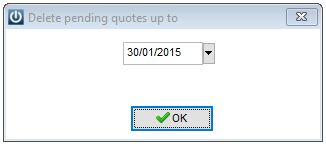
Enter the relevant date
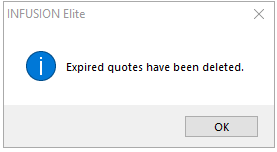
Once the Pending Quotes have been deleted the next prompt will appear.
Comments
0 comments
Please sign in to leave a comment.