I need to send a Receipt to a Customer, how can I do this?
Solution
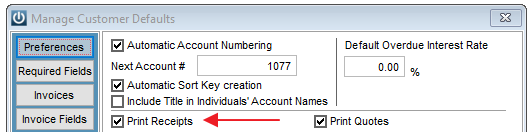
If you wish to print or email all Receipts, go to Admin / Defaults / Manage Customer Defaults and there is an option to Print Receipts.
On the Customer Details under Email Links Select the Email Address
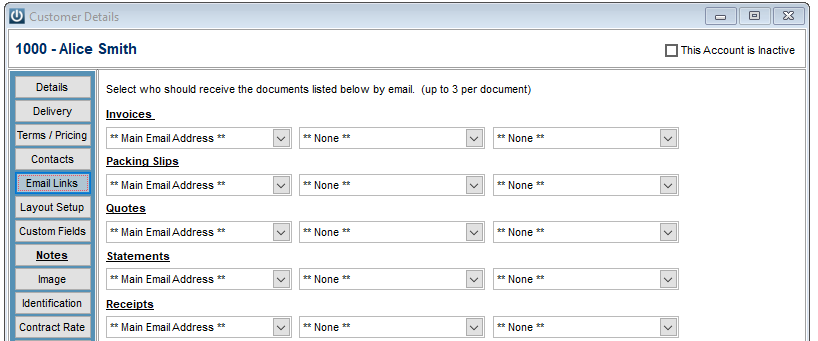
The Receipt will be emailed automatically.
If you want to email a single Receipt
Preview it to screen,
Select the Disc save it as a PDF
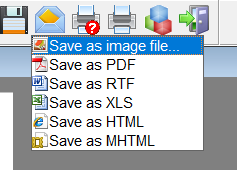
Attach the PDF to an Email.
Comments
0 comments
Please sign in to leave a comment.