I have imported my Customer Contacts but they are not displaying on the Manage Customers Screen.
Solution
The Customer Contacts must be saved to populate this field on the Customer Table.
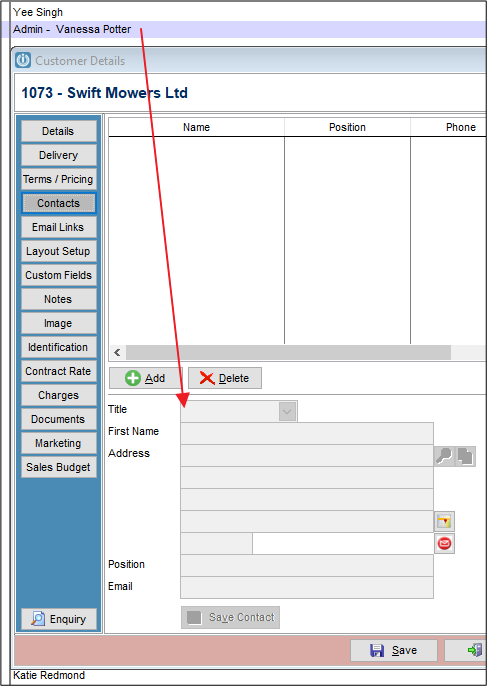
To do this quickly, Modify the first customer, then set to the Contacts Tab.
Click the Right Arrow at the bottom of the Modify screen to quickly Save the contacts and more to the next record.
Comments
0 comments
Please sign in to leave a comment.