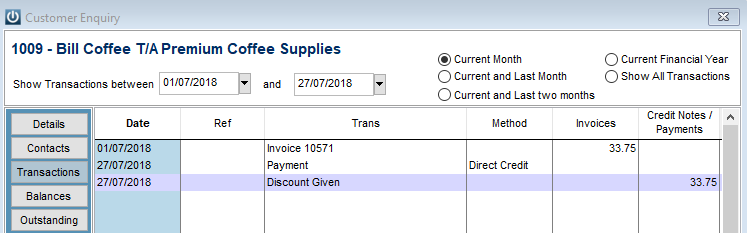
The Customer Payment is showing as Discount Given, what has happened and how can we fix this?
Solution
This has happened because when the Payment was being Receipted the total amount was entered into the Discount column not the Paying Now Column.
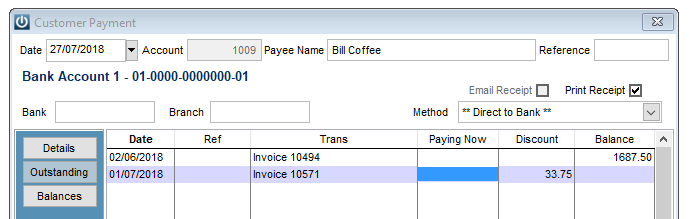
This can be resolved by going to Admin / Deleting / Delete Customer Payment option and selecting the relevant Customer.
Select the correct Payment for deletion and enter the Payment again but with the total in the Paying Now column.
Comments
0 comments
Please sign in to leave a comment.