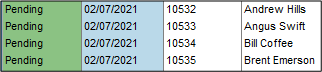
When I create an Invoice, the Status is pending. How does this the pending status change so that I can post the Invoice?
Solution
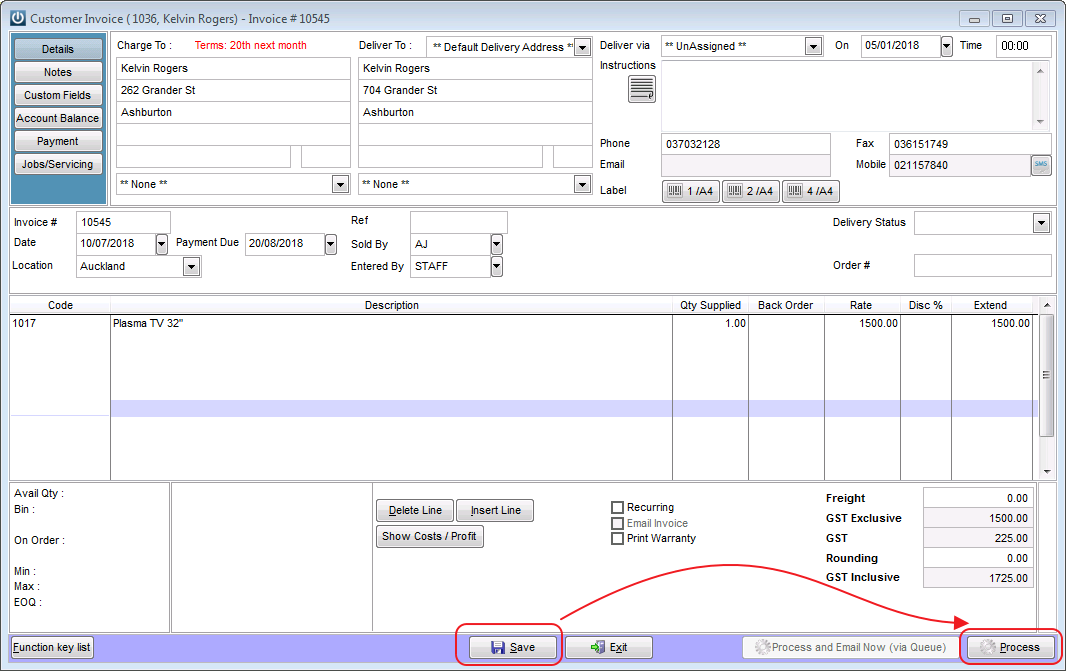
If you open the Invoice and select the Process option from the bottom right of the Invoice, this will Process or Post the transaction to the Customer Account. This can also be done at the time of creating the Invoice.
Another alternative is to select Post 1 to Post individual Invoices or Post All to Post all of the Pending Invoices in the Manage Invoice screen.

NOTE:
Selecting the ‘Post ALL’ option to bulk process pending invoices from inside the Manage invoices screen will not trigger the invoices to print OR email upon posting.
Therefore it is recommended to first select the ‘Print – All’ or ‘Email – All’ buttons at the bottom of the screen to generate customer copies before selecting ‘Post ALL’
This will print /send all invoices that are showing in that screen as Pending to the email queue.
Comments
0 comments
Please sign in to leave a comment.