I have a Customer that has an overdue account and want to send him a list of all overdue transactions. When I print the Transaction List for the required date range it does not match the Statement total.
Solution
If we check the Account and look at the Outstanding Invoices we see
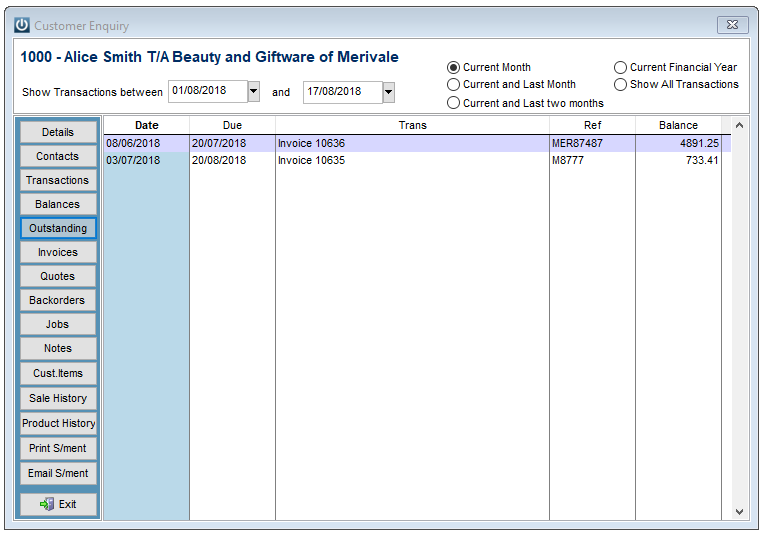
But, printing the Customer Transaction Report by the date range that includes the outstanding transactions does not match the current Balance, or show the complete history.
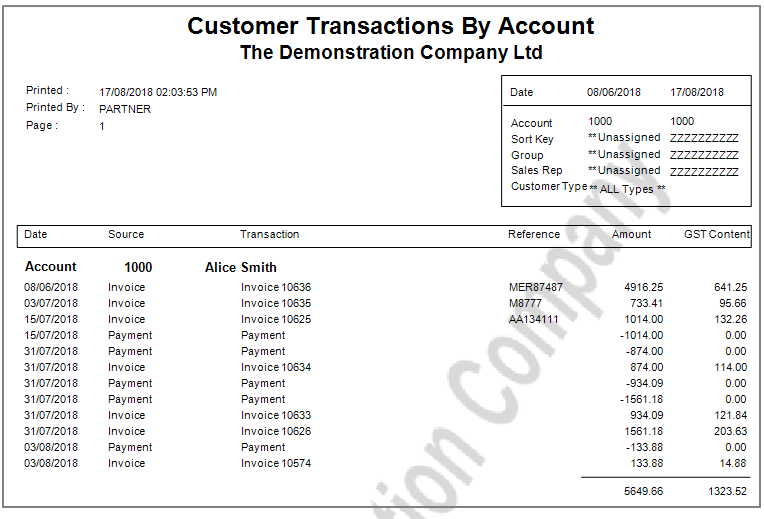
There are two options to see the transactions.
To see the complete Transaction History for the Account, remove the first date and add the Account Number in the to and from fields.
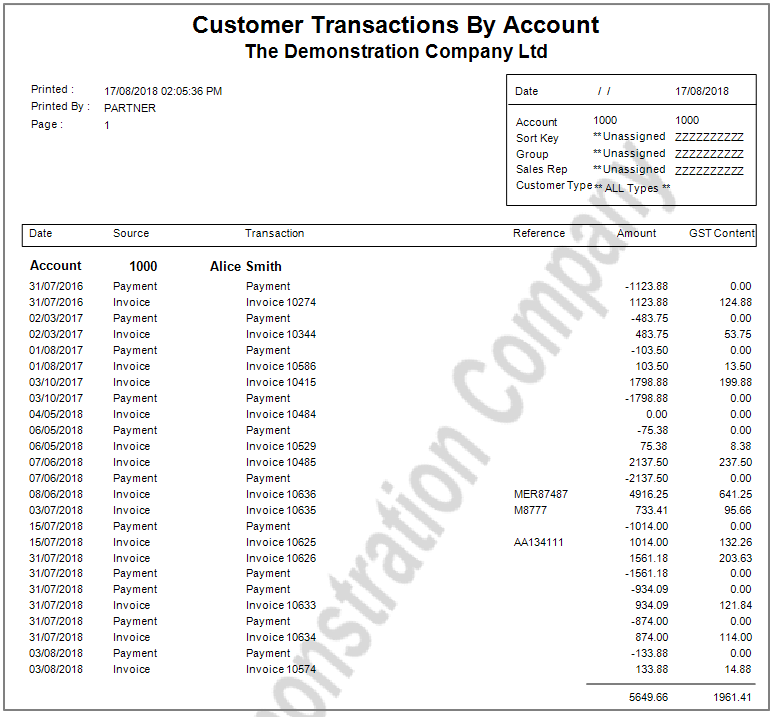
This shows all transactions that have occurred on this account.
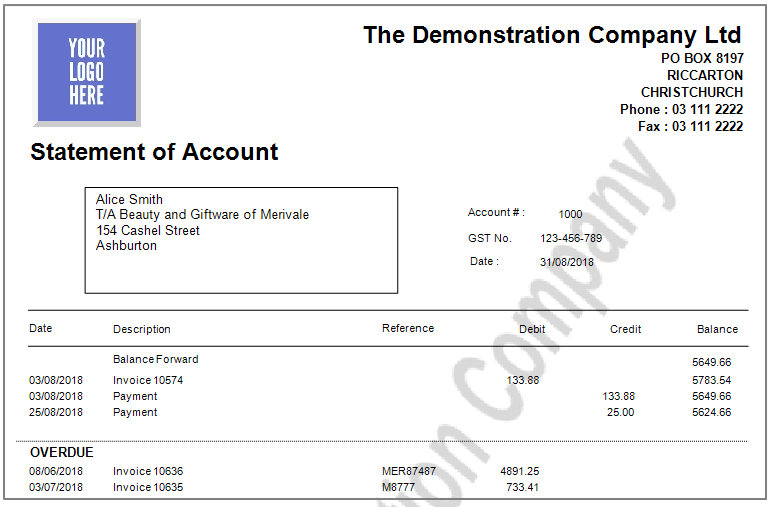
To see what invoices are outstanding and not the Payments, print a statement and select Balance Forward - list o/due.
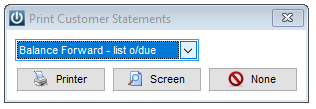
This will show all of the overdue invoices.
Comments
0 comments
Please sign in to leave a comment.