I want to create a Survey in the software how do I do this?
Solution
To create a Survey go to Admin / Defaults /Manage Survey Results and create a new survey.
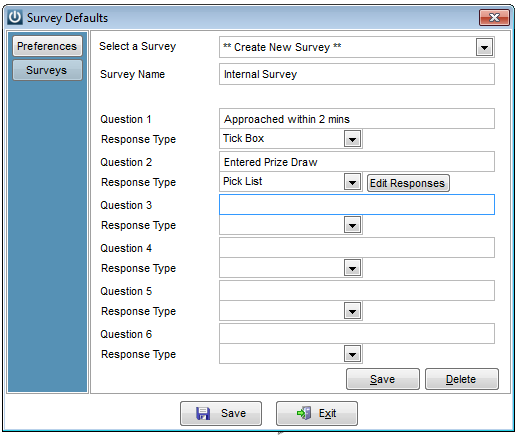
Click on Surveys and you can create a new survey or recall and edit an existing one.
Enter your question and you have three responses you can choose from:
There is an option for both POS and standard invoices if you wish.
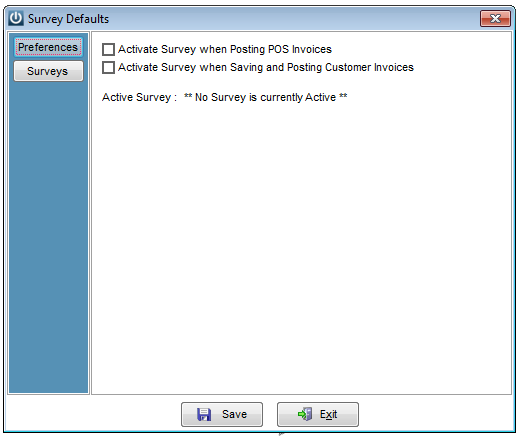
Select the
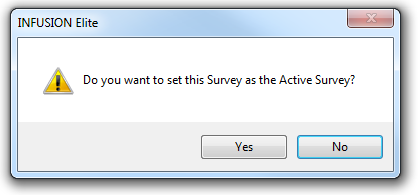
When saving the following prompt will appear
When creating an invoice the Survey will appear after the Process Button is selected, before the print option
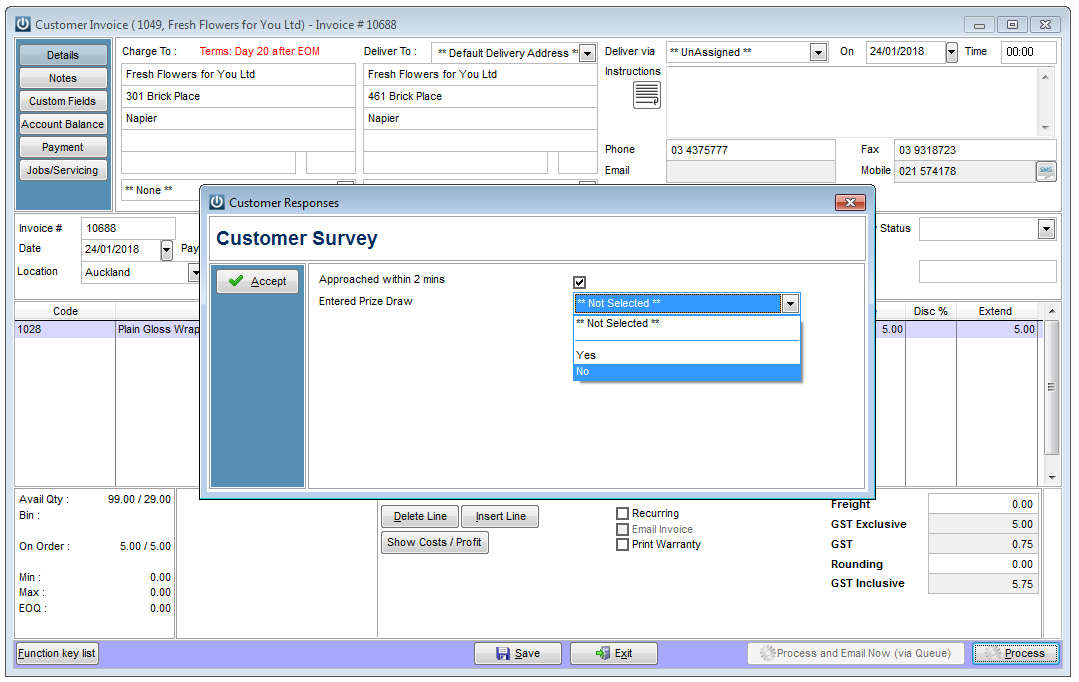
Depending on how many questions are asked the survey will only take seconds to proceed once the questions are answered and the Accept button is selected.
To view the survey results
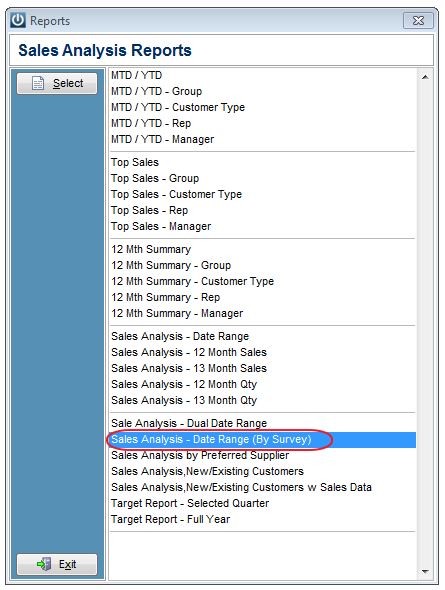
The Survey results are stored in Customers / Sales Analysis / Sales Analysis - By Date Range (By Survey)
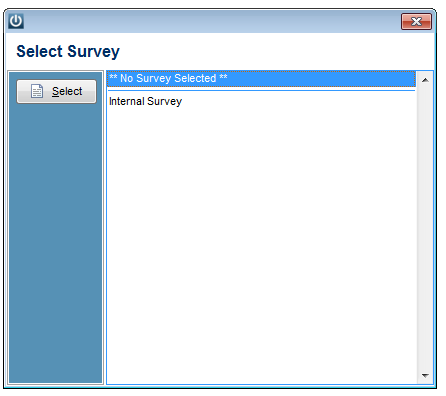
The available surveys are shown
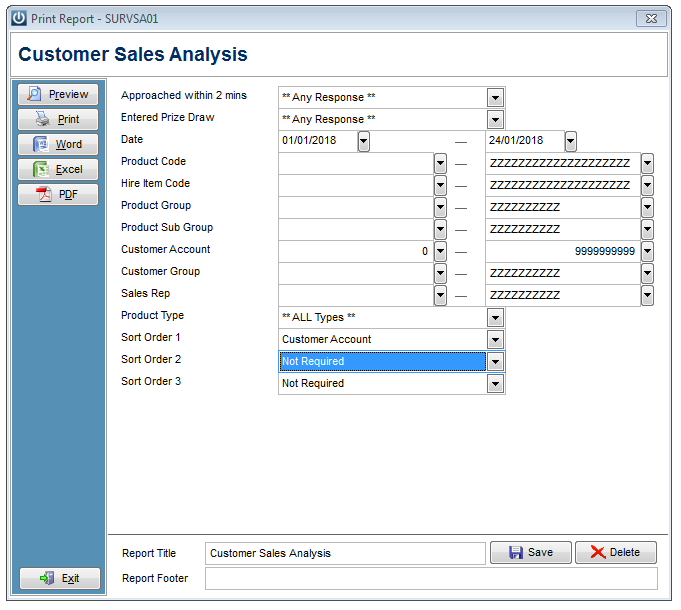
Then the usual Sales Analysis screen appears for parameters to be entered.
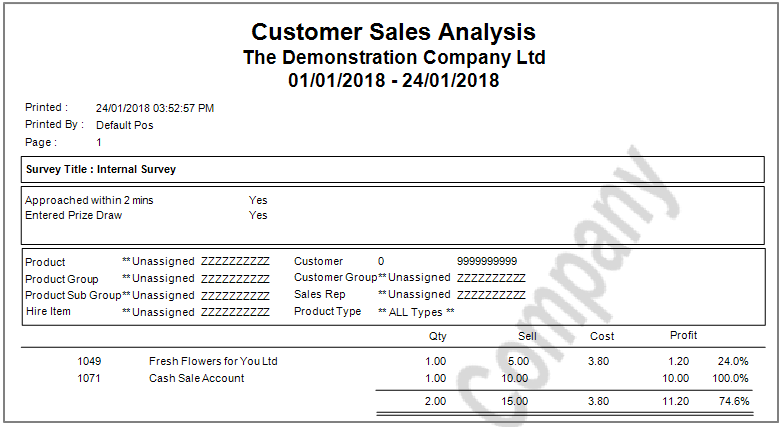
So the Survey results are displayed.
Comments
0 comments
Please sign in to leave a comment.