Can I add Interest to Customers prior to running the Statements?
Solution
This is easy to do once the defaults are in place.
Check that the Admin / Defaults / Manage System Defaults are going to the correct GL Code.

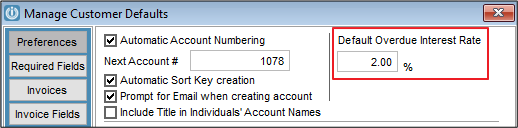
On the Customers Account Application was there an Interest Rate that was agreed? This should be entered under Admin / Defaults / Manage Customer Defaults.
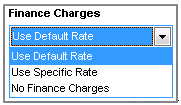
On each Customer Account under the Terms/Pricing tab is the option to select different Finance options
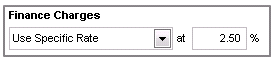
If use specific Rate is selected then an amount can be entered
Once the setup is done on the Customers, the go to Customer Finance Charges
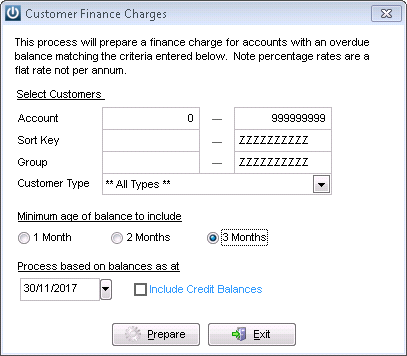
Enter the selection parameters and the aging balance to include.
From this screen all transactions can be selected using the Tag All option, or manually by clicking in the box on the right hand side.
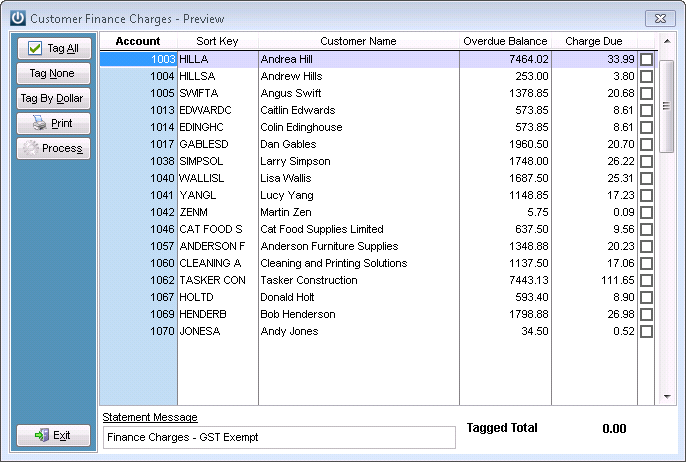
Or the Tag by Dollar can be used feature can be used, enter in the minimum dollar amount to be applied.
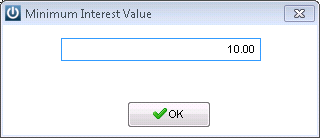
Interest will not be charged for under that amount
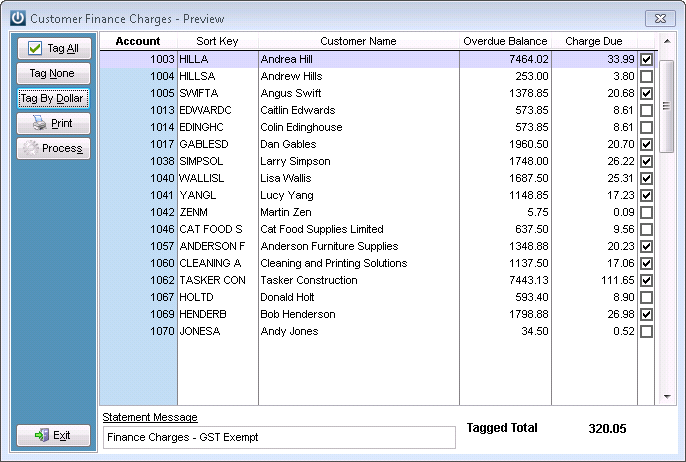
Print the report before processing.
The Statement message can be changed if required.
Process
If Interest is not paid by a Customer please see How Do I Credit a Finance Charge
Comments
0 comments
Please sign in to leave a comment.