The Points Based Loyalty Scheme is set up so a Partially or fully paid invoice attract rewards if paid by due date (+small extra days allowance can be added)
Following the installation of the Points Based Loyalty Scheme, select the loyalty shortcut from the desktop to open.
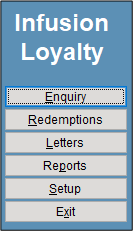
Before using the Scheme, please check the Setup details.
Enquiry
The enquiry screen allows users view details of the Customer
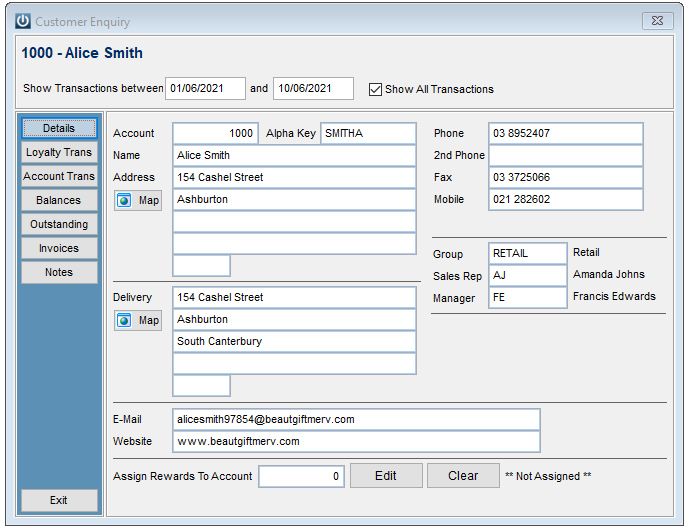
Tabs for
- Details
- Loyalty Transactions
- Account Transactions
- Balances
- Outstanding Invoices
- Invoices
- Notes
Redemptions
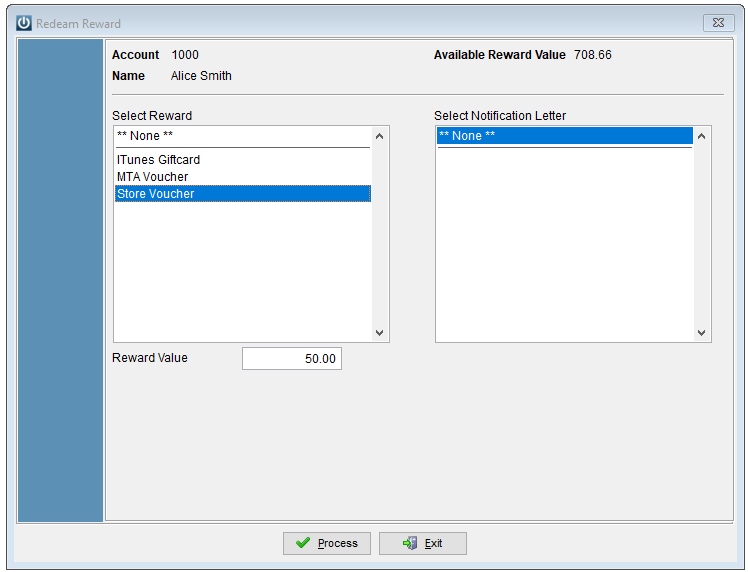
To redeem a voucher, select the customer and in the Redeem Reward screen, select the Reward and the dollar value.
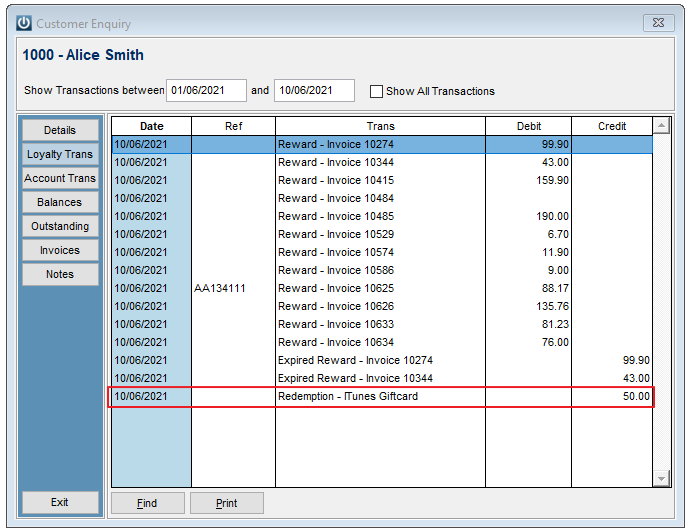
The redemption shows on the Customers account.
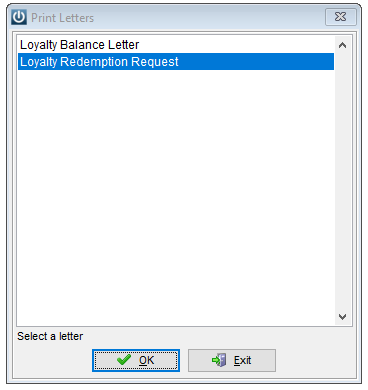
Letters
The letters created under the Setup Menu are available to be sent by Account, Sortkey or name.
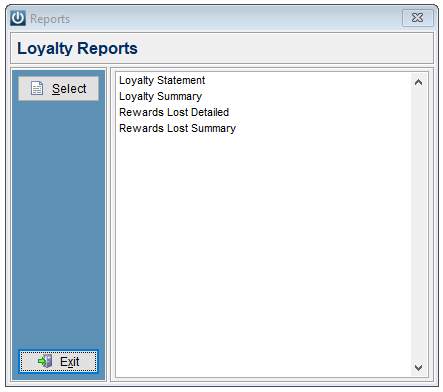
Reports
A selection of reports are available.
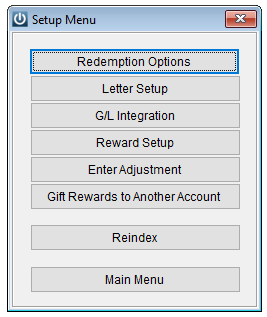
Setup
A further menu is displayed under Setup
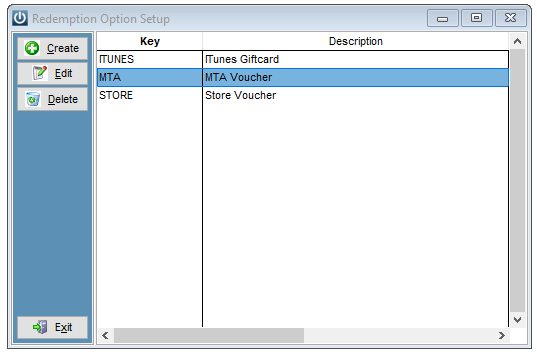
Setup the different type of Redemption's that you wish to offer
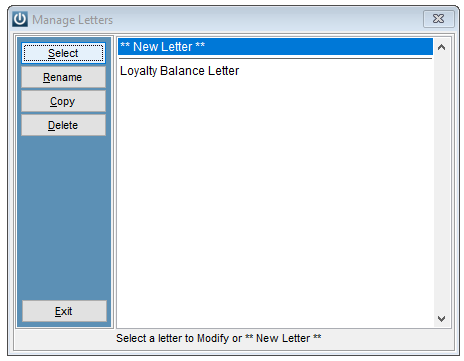
Letters can be set up
The G/L Integration is set to use codes from the Infusion General Ledger.
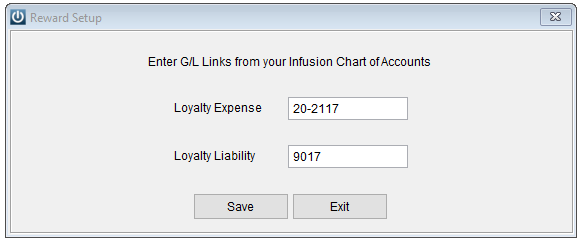
The Loyalty Expense is a Cost of Goods expense transaction.
The Loyalty Liability is a current Liability Transaction.
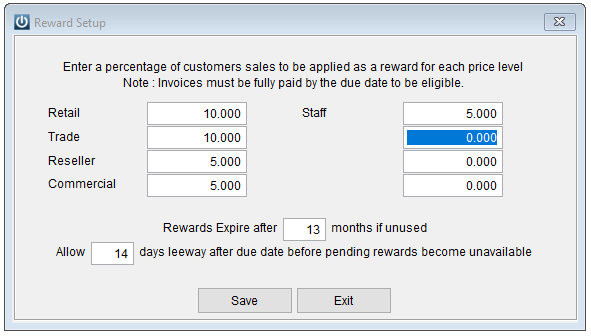
The Reward Setup is where the level of the reward needs to be established. What percentage of each sale will you reward your Customer with. Each price level is shown.
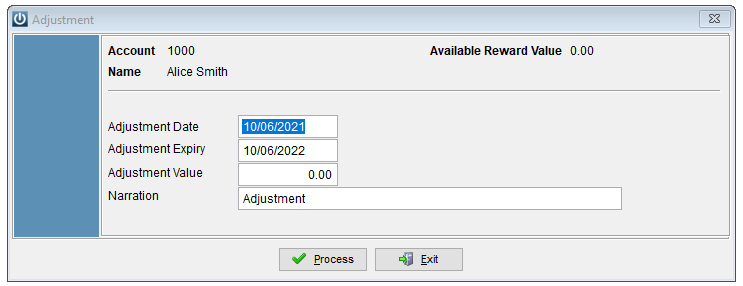
Adjustments can be done to the customers balance if required.
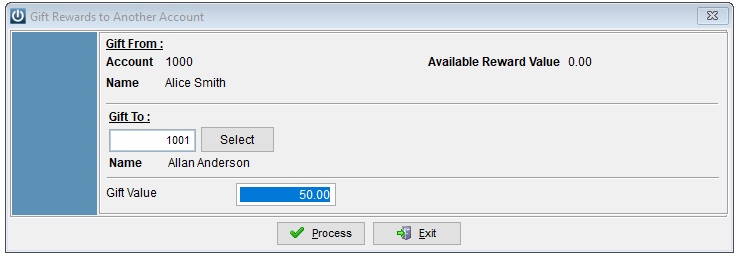
Points can be gifted between customers using the Gift Rewards option
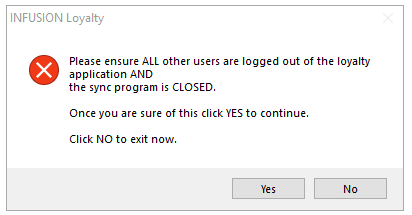
A Reindex is available just the same as in Infusion. All users must be logged out and the sync is closed.
Once the setup has been completed, run the loyaltysync.exe.
Earning Loyalty Points
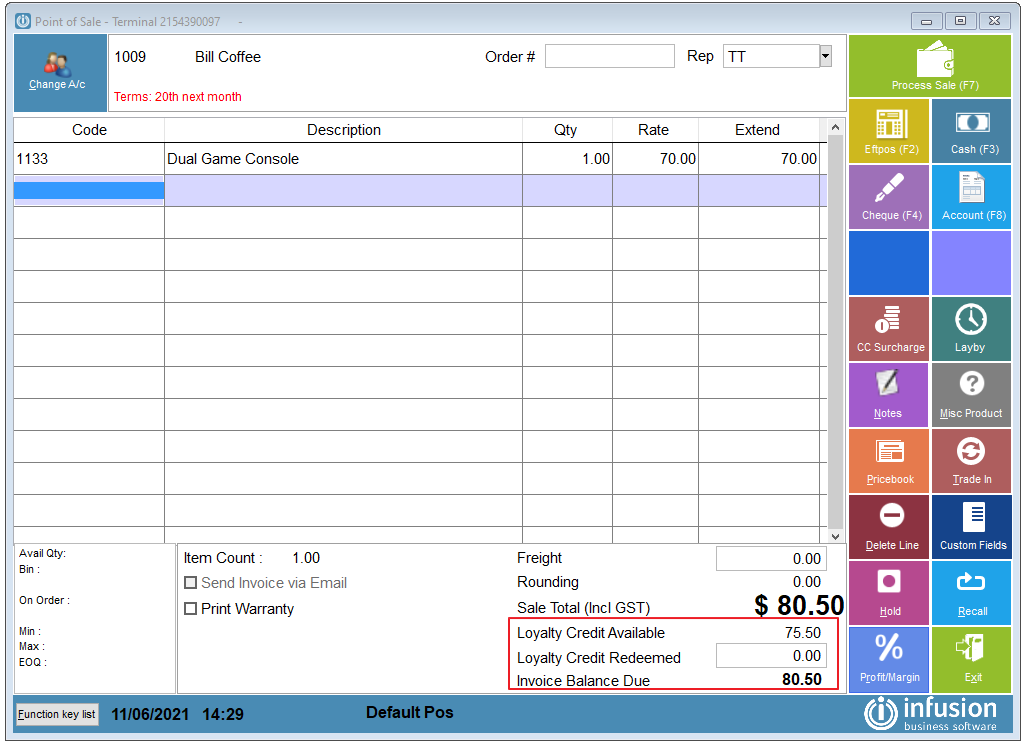
Every Invoice or POS Sale completed will be eligible for earning Loyalty Rewards.
At the bottom of the POS screen it details the available rewards.
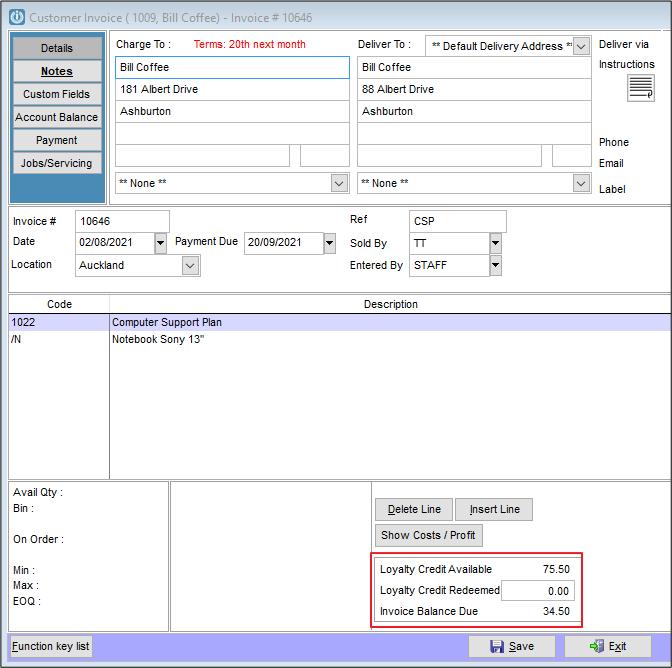
This shows on the Manage Invoices screen as well.
The Loyalty Sync runs from the System Tray.

Right Click to force the Sync.
To have the sync run automatically, this could be set up in the Task Scheduler on the computer.
Comments
0 comments
Please sign in to leave a comment.