If by mistake, a Customer Payment has been :
- applied to the wrong Customer account
- applied to the correct Customer but against the wrong invoices
- entered for the wrong amount
- entered on the wrong date
It can be deleted via the Admin / Deleting / Delete a Customer Payment function.
Select the Customer, then chose the relevant payment from the list Select Delete, it is also possible to check the Allocation of the payment before deletion.
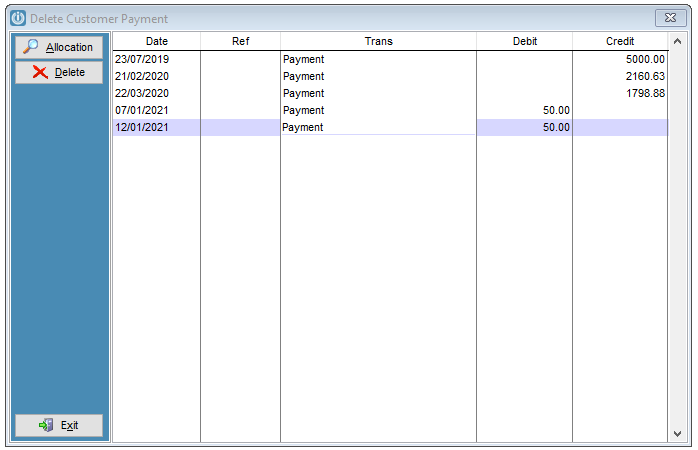
Enter the reason for the deletion. If this screen does not show see Prompt for Reason.
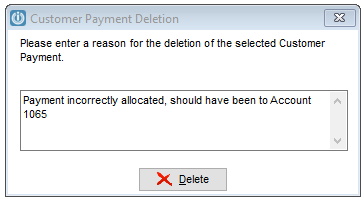
This process will remove the payment from the account and allow it to be re-entered against the correct Account or Invoice.
A full audit trail is stored in the Audit log.
See What is a Payment Reversal for an explanation about what happens when a payment is deleted.
Please note that when a payment is received it will show on the Aged Trial Balance, the reversal will not remove this payment.
Comments
0 comments
Please sign in to leave a comment.