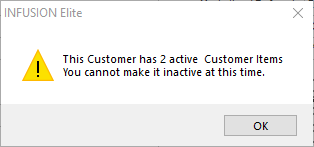
My Customer has a zero balance and when I tick the Inactive box I am still getting a warning, why?
Solution
The warning above refers to Customer Items (OPE's) that are still active. Open the Customer Items module and make the items belonging to this Customer Inactive.
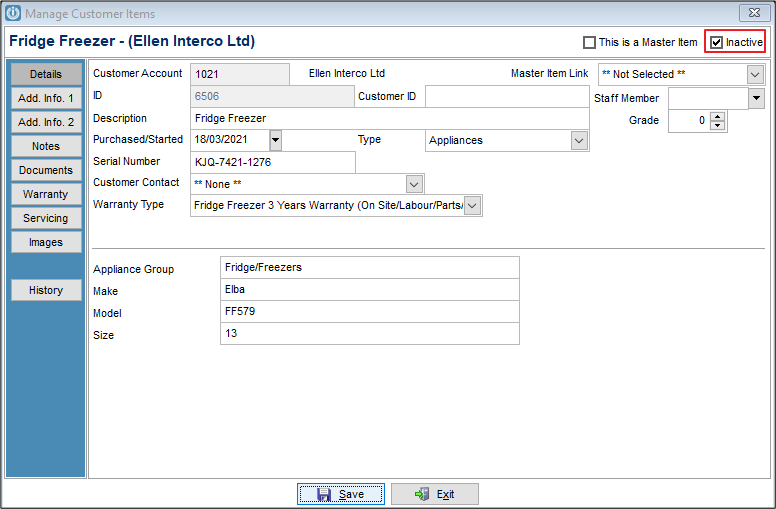
This prevents Orphan items.
When making a Customer Inactive the software will check and warn if there is a:
Pending Invoice
Recurring Invoice
Current Job
Customer Item
On the Inactive Customer it will now record the date and time the account was made inactive on the Terms / Pricing Screen.

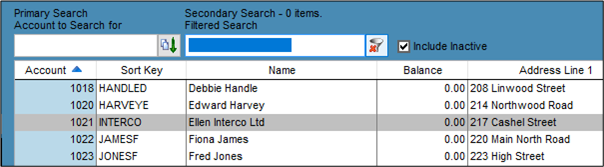
If the Include Inactive Flag is ticked at the top of the Manage Customers screen, Inactive Customers are shown in Grey.
Comments
0 comments
Please sign in to leave a comment.