Following the end of the GST period it is recommended that users reconcile their GST Return with the Cashbook (Cash Basis) Instructions here
or their GST Return with the Cashbook (Invoice Basis) Instructions here
Once this is done and the Detailed reports are printed and checked - Are they logical, if you are doing the report for April/May you would not expect to see alot of transactions for February and March. If are seeing all of the previous months transactions you may not have closed off. Check this article out.
Don't forget to check out the Exempt or Zero rated sections.
Print the GST Summary Report
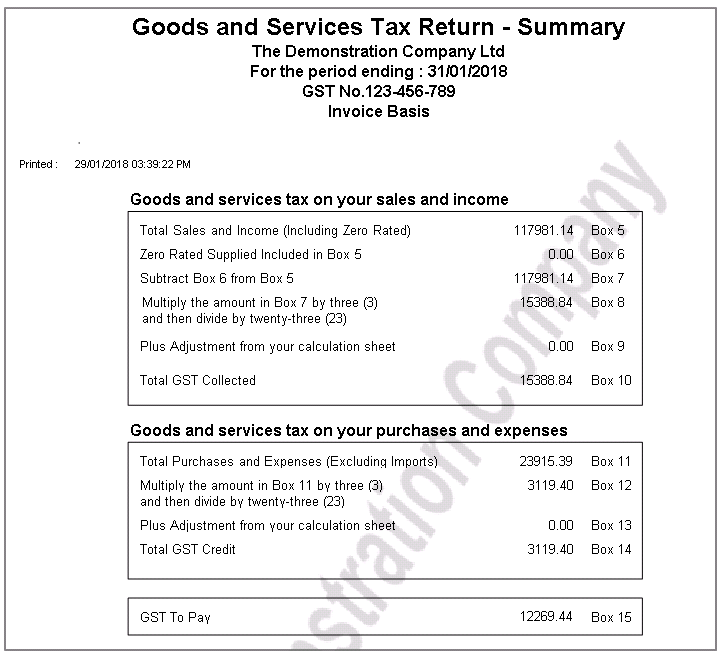
As soon as this report is printed it is time to Close Off GST.
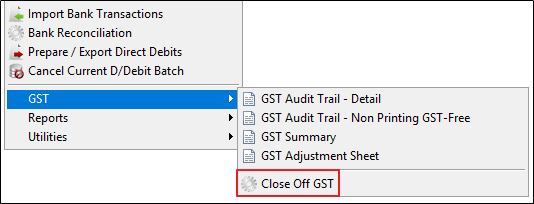
Do an Infusion Backup, at the same time as the software closes off the GST period, detail and summary reports are automatically saved in Cashbook / Reports / Reprint a Report. These automatic reports carry the same audit number as the GST return so are the accurate record of what was closed off in this period.
(The reports can also be reprinted at any time by going to Cashbook / Reports / Reprint a Reprint)
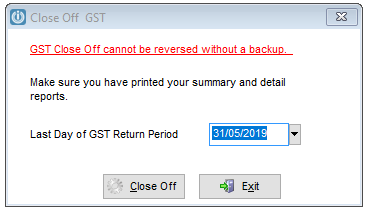
An other warning will appear, it is essential that a backup is done.
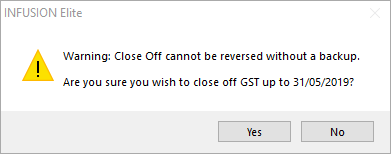
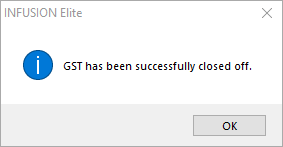
Followed by the last message to say that the GST has been closed off.
It is strongly recommended that the Close Off of GST is done prior to uploading the details to the Inland Revenue website. If this is done at the same time the GST Summary and the information uploaded to the IRD will match.
Comments
0 comments
Please sign in to leave a comment.