To print barcodes on an A4 sheet, go to Admin / Settings / Products and set the Barcode label size.
The label packet should have the sizes to be used
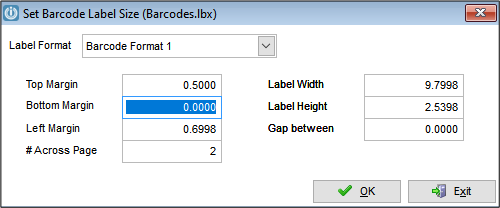
This will change the settings in barcodes.lbx, so if printing to a barcode label printer, select Format 5 or 6
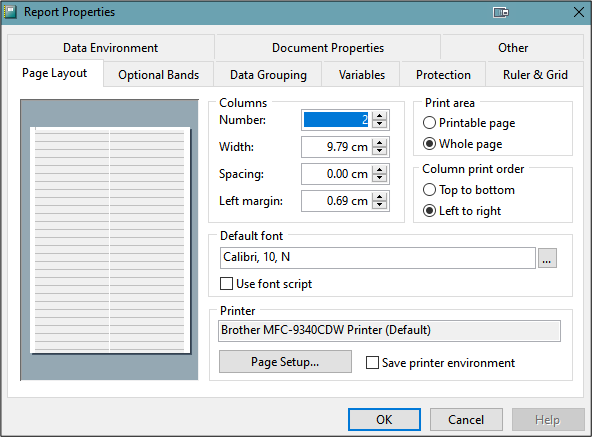
Then you can edit the label as desired.
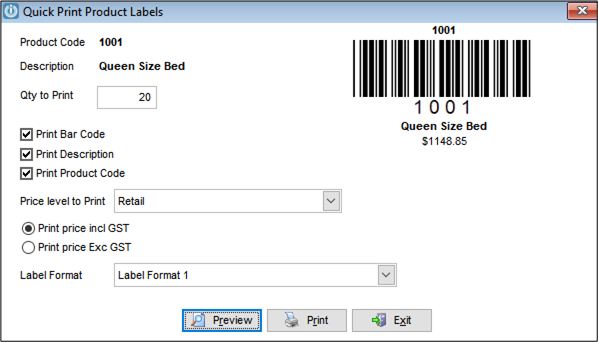
Test using a quick print product label selecting Qty to Print = the number of labels on the page
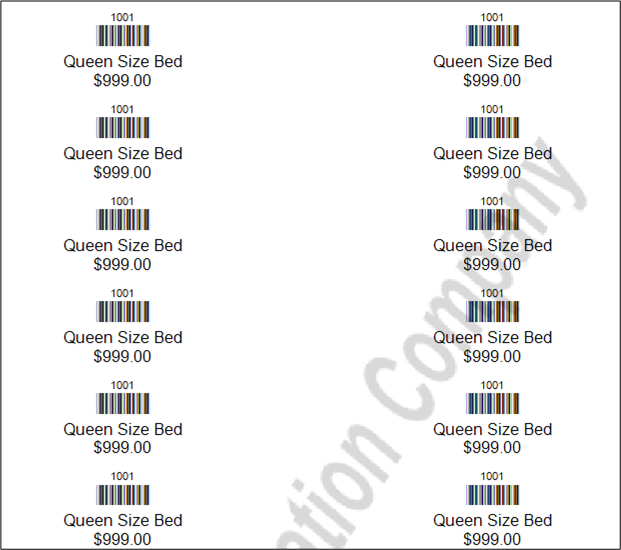
The print preview looks as below:
Also see Schedule Barcode Labels to print several barcodes on one A4 Sheet.
Comments
0 comments
Please sign in to leave a comment.