Scheduling barcodes will allow a bulk run of Product Labels to be printed. These can be done by using a selection of Product Codes, Barcodes, Groups, Sub Groups and Types.
This is shown in the Load Product Labels Range selection area (1)
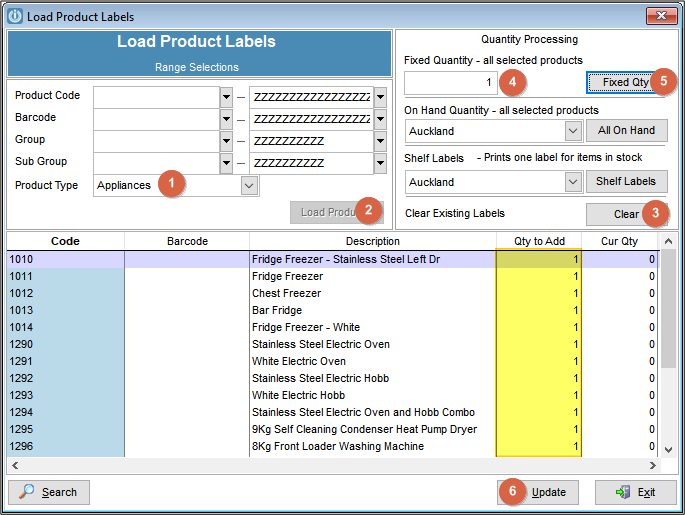
Alternatively users can Use Load products (2) to select all products. This will enter all product that fit the criteria into the bottom screen.
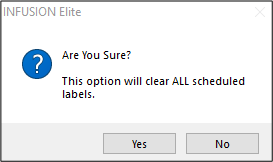
Clear Existing Labels by (3) The option will clear ALL schedules labels. This includes all previous labels that have not been printed.
Enter the Quantity to print (4) in this box and selecting Fixed Qty (5) will populate the the same quantity in every product. But, if you want to print a different quantity for some products, this can be manually entered in by box below.
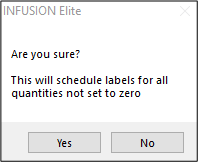
Selecting Update (6) will Schedule labels.
To Print the labels go to Products / Print Product Labels
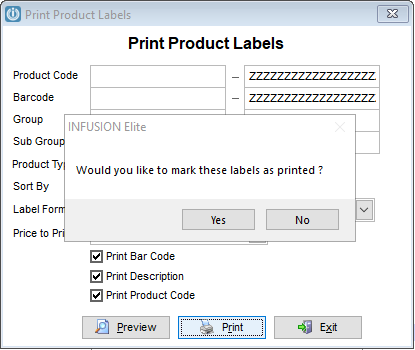
Marking the labels as printed will remove them from being scheduled.
Comments
0 comments
Please sign in to leave a comment.