When running Job Reports that include the setting STAFF, it requires that the Product Code is set up correctly.
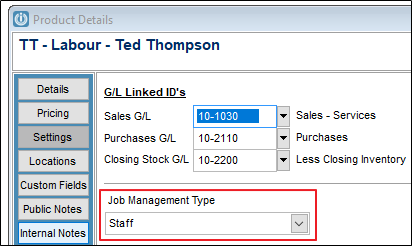
If the Job Management Type is not Staff, the Labour codes will not show on the reports.
Changing the Labour Code to Staff after they have been added to a job will not go back and update instances where the Product Code is incorrect.
Uses can do this manually by running the Products Assigned to Jobs report and adding in the Labour Code that is incorrect, eg TT
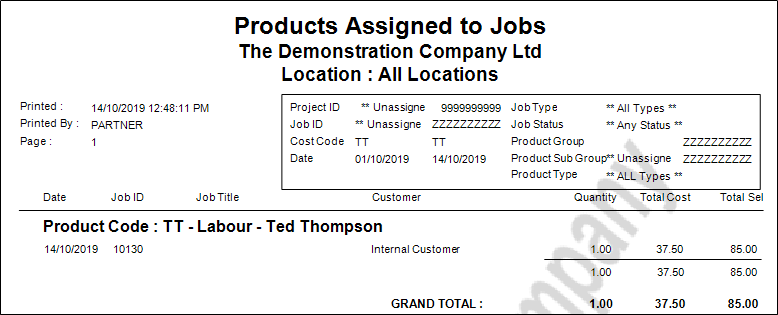
Open the relevant job and Right click on the Labour Code and Reset the Product Code, taking care to keep the date and quantities the same as they were on the Products Assigned to Jobs report.
Comments
0 comments
Please sign in to leave a comment.