We have just started to use the Time Clock to charge time in Jobs and when I went to charge a job a prompt appeared.
"Unable to Invoice as there are staff working on this job, refer to Schedule."
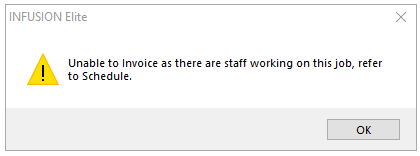
This warning is appearing when there is still a Staff Member charging time against the Job.
There are two ways to stop the clock, either open the Schedule or exit the Job and right click.
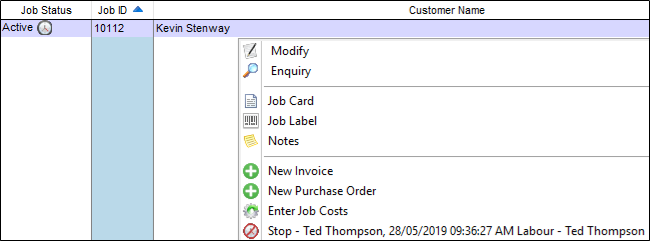
From both you will then be able to stop the time clock for the staff working on the job.
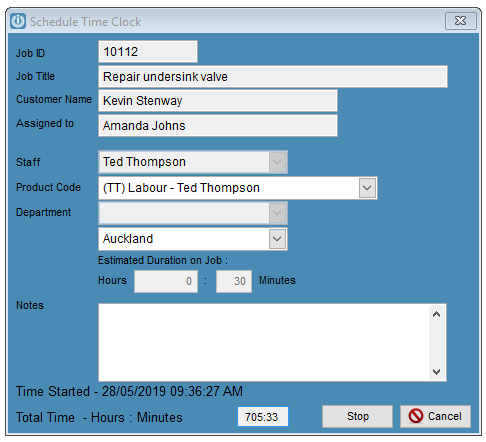
This may need to be edited inside the job if it has not been stopped correctly.
Comments
0 comments
Please sign in to leave a comment.