When setting up Kitsets users are given two options - "Use Items When Invoiced" or "Use When Received into Stock".
Use Items When Invoiced
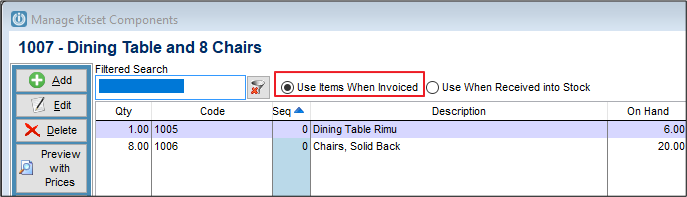
This takes the items from stock (in the above example 1 x Dining Table and 8 x Chairs) when the kitset 1007 is sold. This product will never show up on a stocktake; the components will.
Use When Received into Stock:
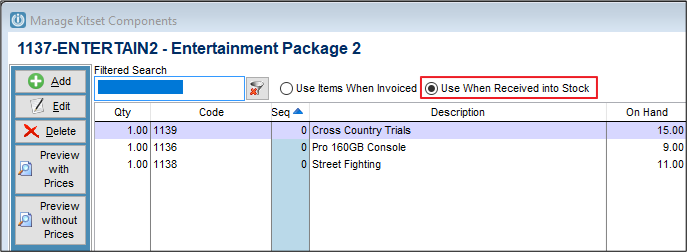
In this case when the kitset 1137-Entertain2 is received into stock the components will be removed from stock. This option is used when items are made / assembled in-house and are held in stock.
This product will show up on the stocktake sheets. See Generating a Use When Received into Stock Kitset
In both cases, the setup screen looks the same, except for the tick box selection. Users can edit the quantity or change the sequence on the screen the components appear in.
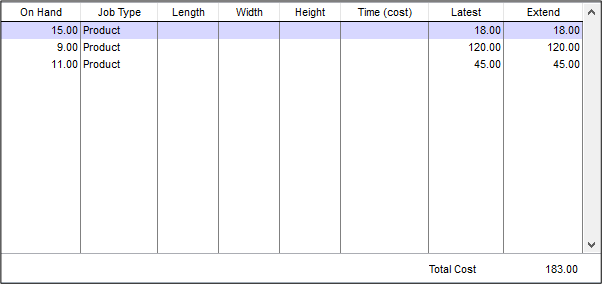
The rest of the screen shows the latest and extended pricing, along with the total cost at the bottom.
When setting up the kitset for the first time select the Save button.
Comments
0 comments
Please sign in to leave a comment.