Where do I enter the transactions off my Bank Statement that do not apply to Customers or Suppliers transactions?
Solution
Go to the Cashbook / Enter Receipt or Enter Payment (or Add Payment and Add Receipt option from within the Bank Reconciliation screen).
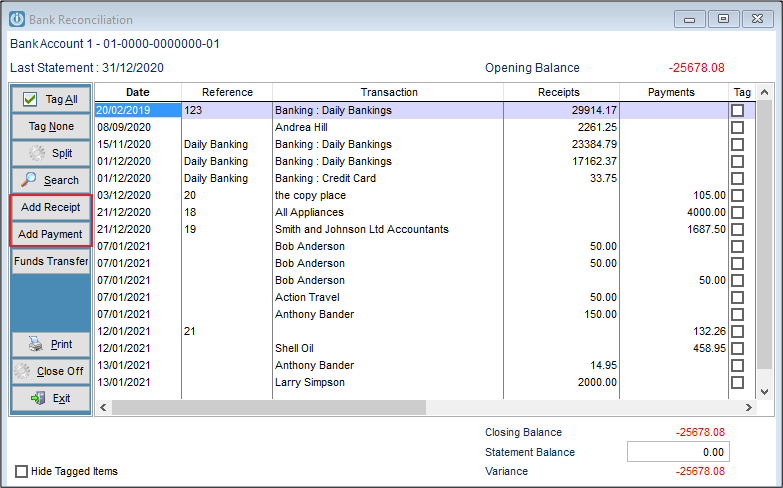
Enter the details as required and either Save and / or Post.
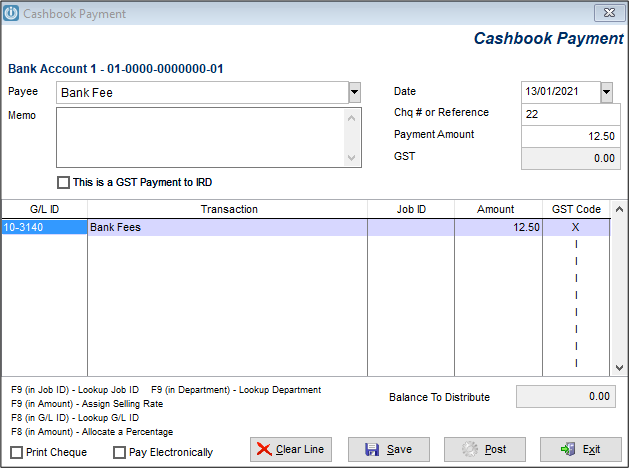
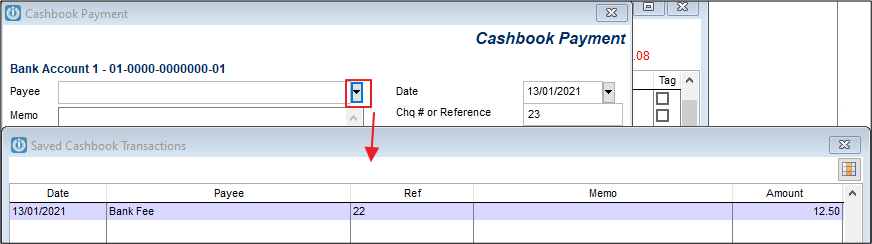
In the case of regular transactions like bank interest or monthly bank fees select Save. This will mean they will be available to be used at a later date and recalled by selecting the Payee or from using the dropdown options.
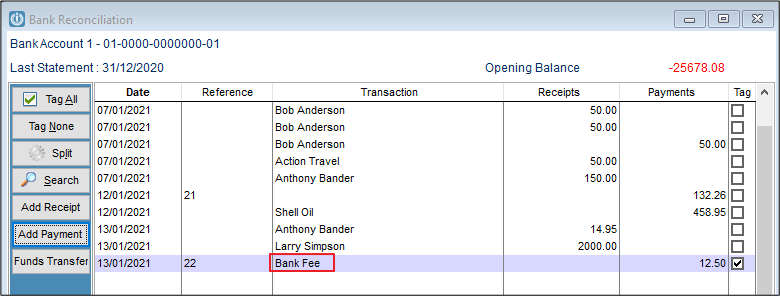
Select Post for the balance to appear on the Bank Reconciliation.
Also see Editing Saved Transactions or Cashbook Payment or Receipt with no Details
Comments
0 comments
Please sign in to leave a comment.