In v8.410 the Job Card defaults have been moved from Admin / Defaults / Manage Job Defaults - where they were previously stored. When an update is done the default layout is recognised and moved to Admin / Layouts / Select Job Card Layout. Here the Default layout is retained, an option for the number of copies is also available.

If the don't prompt for Printer flag is not ticked and the number of copies is more than 1 user will see this printer prompt:

Same options but one copy only the user will see this printer Prompt:
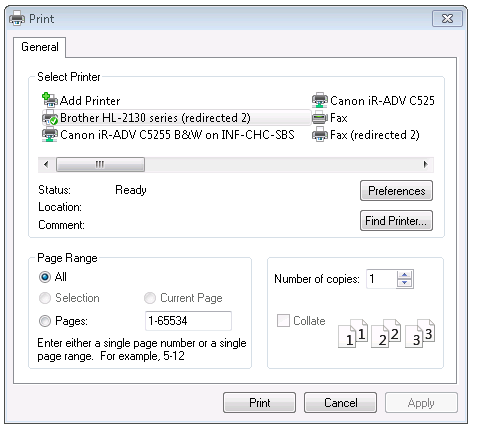 If the don't prompt for printer if ticked then neither prompt will appear.
Comments
0 comments
Please sign in to leave a comment.