How do I remove a job from the Job Scheduler?
Solution
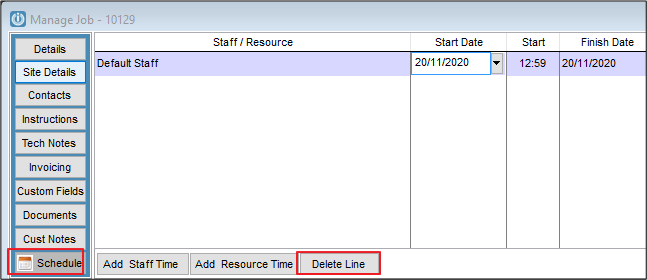
Open the job from either the Scheduler or the Job Management Screen. Click on the Schedule tab and select line and when this is highlighted, use the Delete Line button. This will remove the job from the Scheduler.
Comments
0 comments
Please sign in to leave a comment.