My Accountant has asked for a report on a General Ledger code, how do I do this?
Solution
If you have more than one report to run, it is quicker to use Financials / Reports / G/L Transaction Detail.
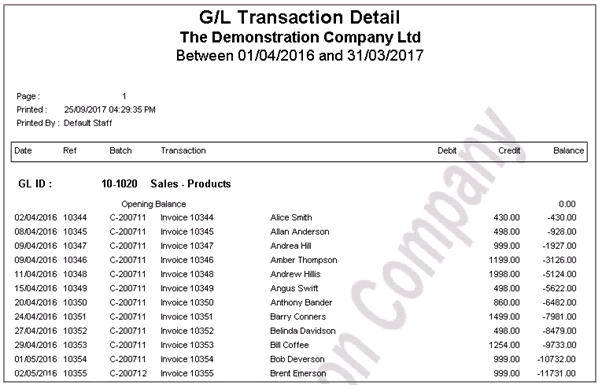
Enter in the Date Range and G/L ID into the Parameters screen and preview
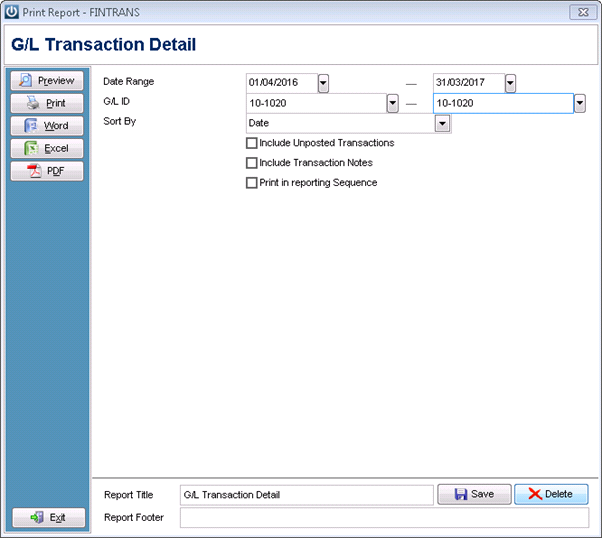
The Report can then be saved if necessary.
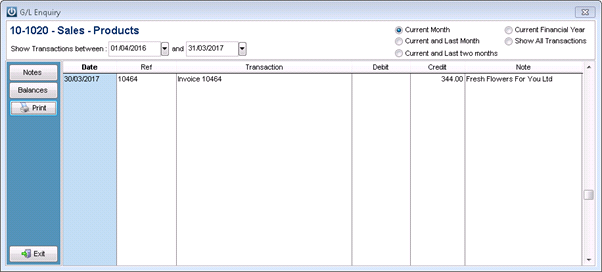
It is also possible to right click on the GL Code itself and enter the date range, then select Print and the same report will show.
Comments
0 comments
Please sign in to leave a comment.