When an item is booked in for a repair, the process should be the same as a normal job, where the job is raised against the Customer and the associated Customer Item is added to the job.
Parts and labour are added to the job as used in the workshop.
Once the job is ready to be collected, advise the customer and then change the status of the job to “Pending Warranty Claim” and save the job
Complete the Warranty Claim with your Supplier.
Once you have received the confirmation from your Supplier, add a Product Code linked to the GL ID for your Supplier Warranties (you can have one product code per Supplier if required), to the job to remove the value. This will code it to the GL ID for the Warranty Expenses - Supplier

When the Credit is received from your Supplier, use the same Product code.
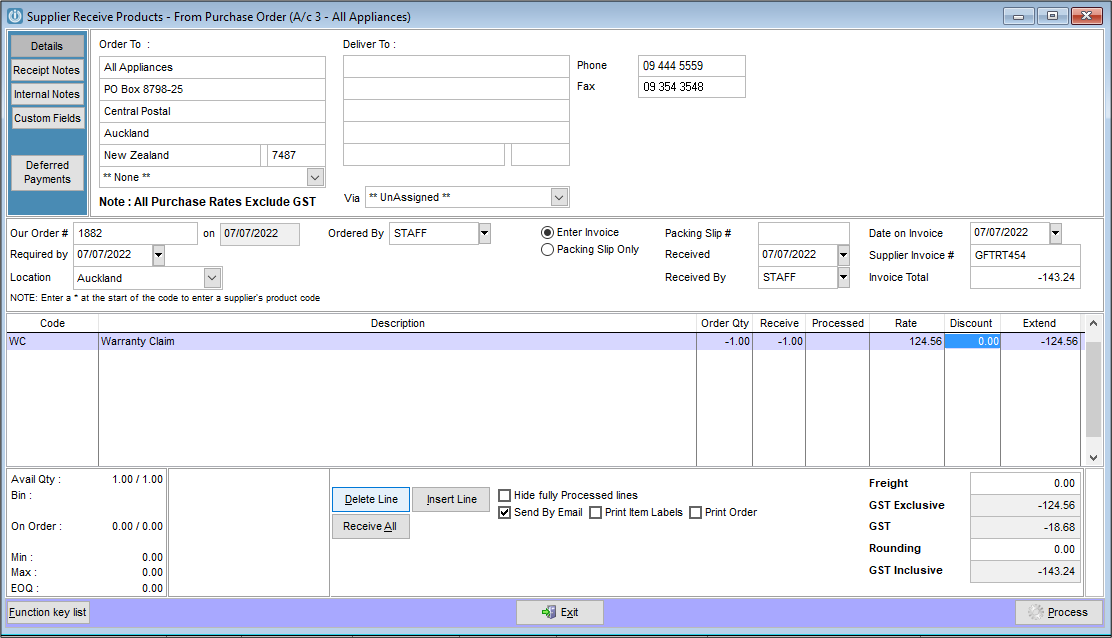
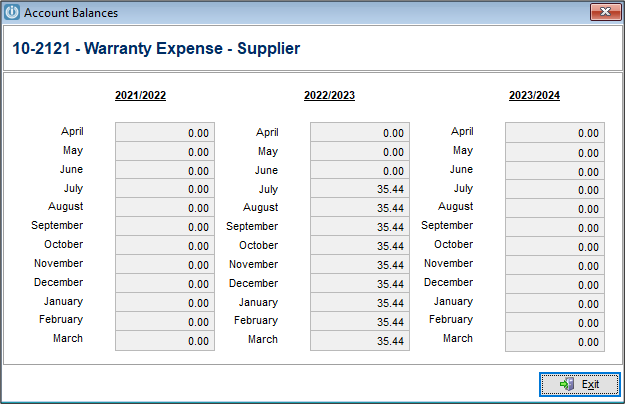
The net result will show you that Supplier cost $160.00 in warranty repairs, they reimbursed you with $124.56 therefore there is a net cost to you of $35.44 for the period.
Comments
0 comments
Please sign in to leave a comment.