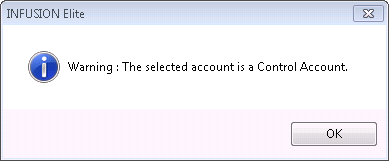
I have my end of year Accountants Journal and when I enter a General Ledger ID I get a warning to tell me that the selected account is a Control Account.
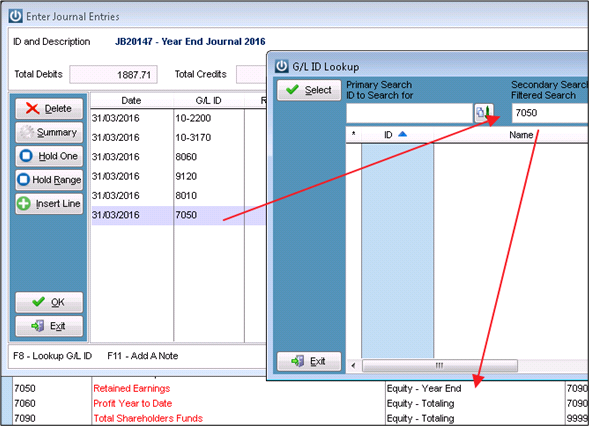
Another number is in my Financial Chart but I can not find it when I am trying to add it to my Journal. What is happening?
Solution
While Accountants are used to moving money between accounts, Infusion is not always happy to have this done to selected accounts.
Control Accounts are those that are set up under Admin / Defaults / Manage Financial Defaults. If journals are done to these accounts it will put your System Verification Report out of balance. This is why you get the warning.
The number that is not available in your Journal screen, is missing because of the Type of Account it is set up as. As we can see it is a Equity - Year End account. This is not an account that can have any Transactions entered directly into it.
In both of these cases the best course of action is to contact the Accountant and tell them that the General Ledger Codes they are wanting to use are not set up for Journals and ask for an alternative.
Comments
0 comments
Please sign in to leave a comment.