Once the job is saved the Job ID cannot be changed.
However, if you wish to select your own Job ID's in the future you can go to Admin / Defaults / Manage Job Defaults and tick the Allow Editing of Job Number.

When a new Job is created a prompt box will appear and the Job ID can be edited.
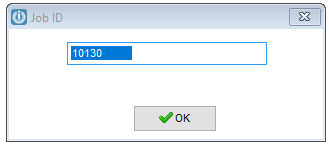
Once change are made, select the OK button.
Comments
0 comments
Please sign in to leave a comment.