I have entered Product Codes on a Job and want to move them to another job. Is there an easy way to move them?
Solution
This can be done while the first Job Screen is open. Use CTRL-T to open the Enter Job Costs screen over top of the original job (manipulate the screens as necessary).
From here enter the correct date for the products to be moved to the second job.
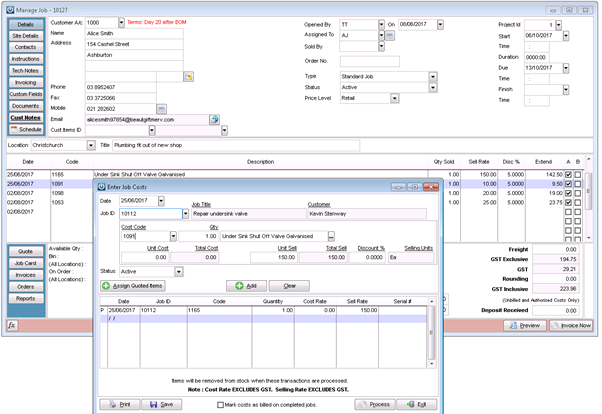
Once the Products have been entered onto the Job Cost window, process.
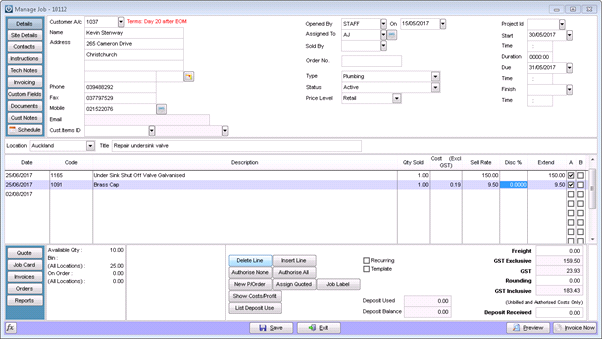
On the original job, simply delete the products off - they will still show on the Product enquiry screen as being added and removed from this job, but that is what has happened.
They are now recorded on the correct job at the correct date.
Comments
0 comments
Please sign in to leave a comment.