When turning a Quote into a Job it is possible to be prompted to Order any required parts.
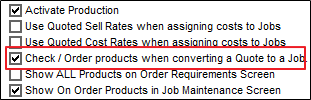
In Admin / Defaults / Manage Job Defaults tick Check / Order products when converting a Quote to a Job.
Ticking this box will only show the Products that are not in stock.
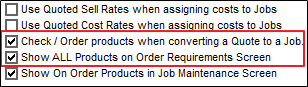
Ticking both of the boxes will show all Products on the Quote
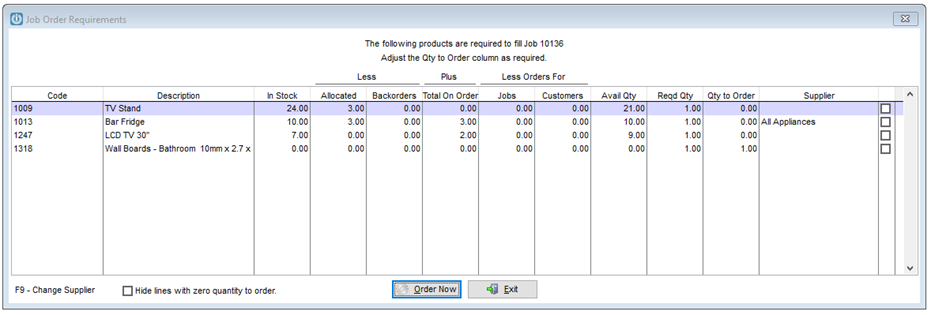
It will allow users to see the Instock Quantity, Allocated, Backorders, total on order, assigned to Jobs, it will calculate the Required Quantity leaving the Quantity to Order to be adjusted if necessary.

To remove lines with zero quantity on order tick the box on the bottom of the screen.
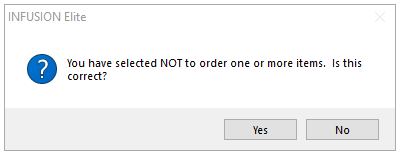
This message will be received if a Product is not ordered or if the Supplier Code is empty.
The Supplier can be changed by highlighting the line and selecting F9
Quantity to order is correct select Order Now.
Comments
0 comments
Please sign in to leave a comment.