Target reporting has been added to the system. This will allow users to group products and set yearly targets for sales and report on the results.
Setup
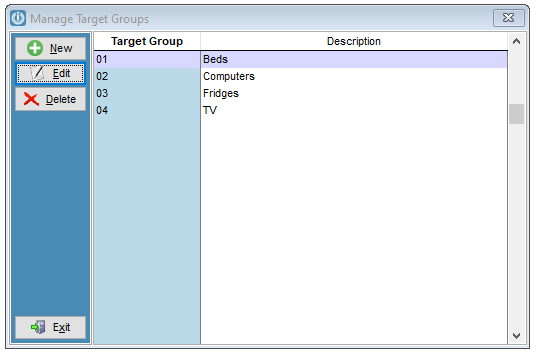
Under Admin / Settings / Products / Manage Target Groups, users can add target groups for a range of items.
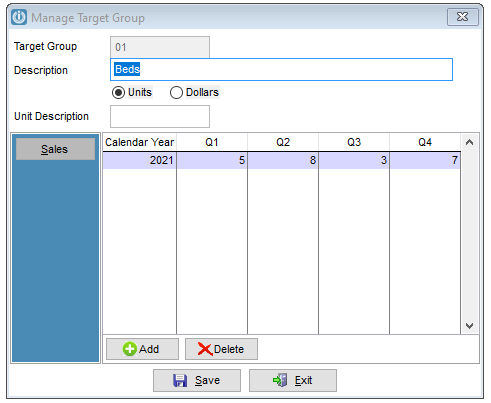
Entering either the unit total or dollar value for internal targets on products. These are entered by Year and Quarter.
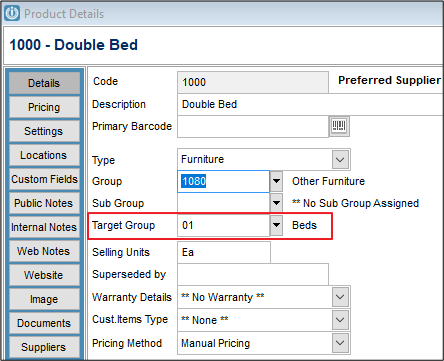
On the products, enter the relevant Target Group to the products
Reporting
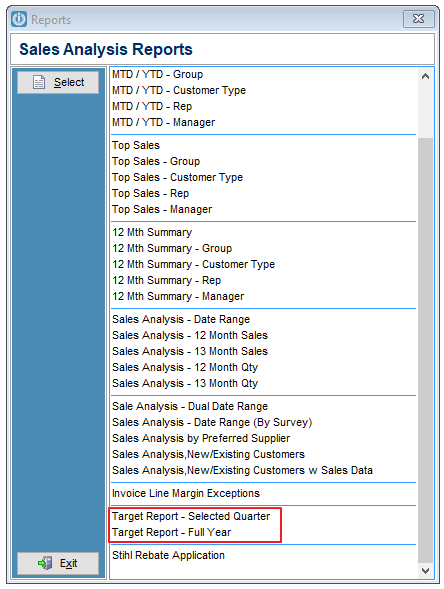
To report on the Target's, go to Customers / Sales Analysis Reports and there are two reports to select.
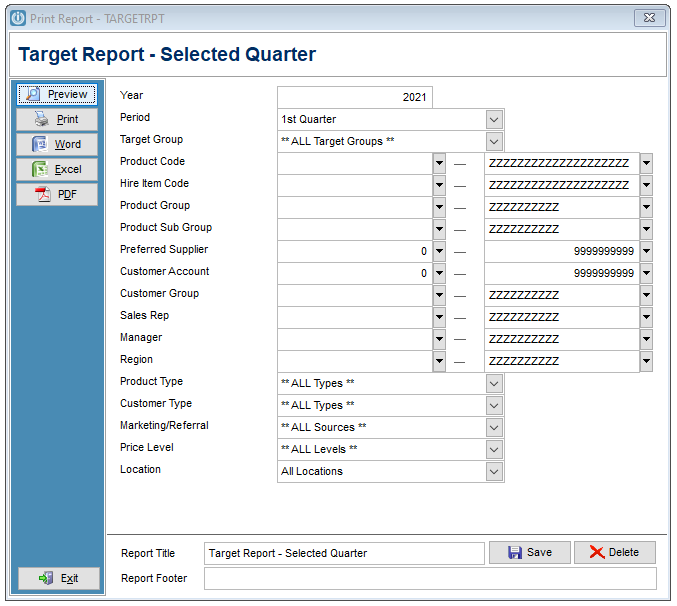
Enter in the parameters
The report will show the number of items invoiced, the target, the variance and the percentage achieved for the Selected Quarter, Year to Date and Full Year.
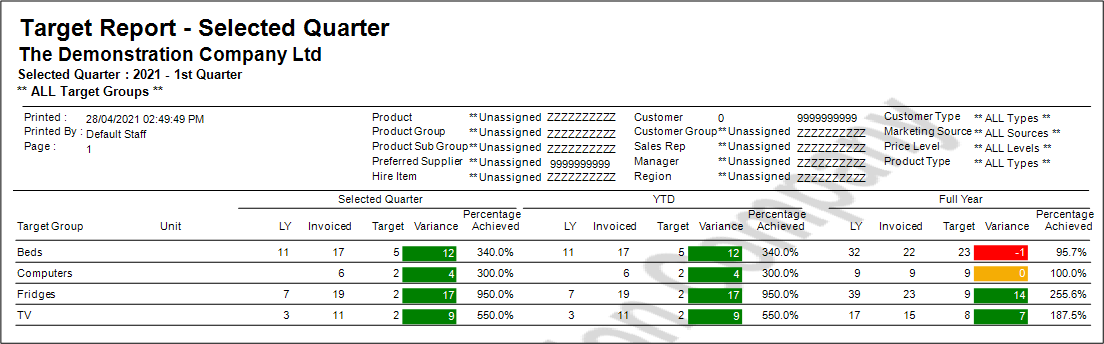
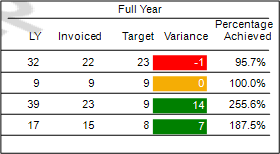
Green if the variance is positive (sold value is greater than target)
Red if the variance is negative (sold value is less than target)
Yellow if the variance is zero (sold value is equal to target)
Comments
0 comments
Please sign in to leave a comment.