A buildup allows the sale of a selection of products at one price. This is created each time it is required and is different to a Kitset which saves the components inside the product code.
Buildups are available in Invoices and Quotes only.
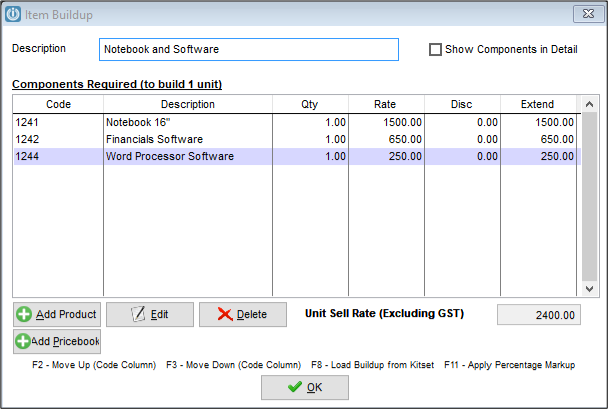
Entering /B into the Code field will present the Item Buildup screen.
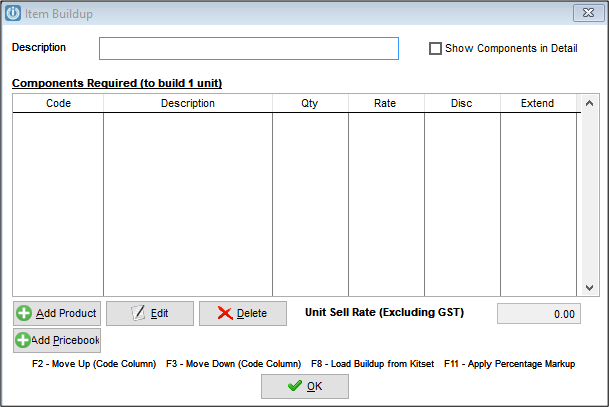
- The Description will appear on the Invoice line.
- The individual lines will not show pricing, only the Unit Sell Rate will show.
- Use the Add Product button to show the Product list, search to add the required products to the Build up.
- Products in the Buildup can contain serial numbers.
- F2 and F3 in the Code column will move the Products up and down in this screen.
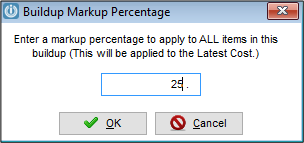
- F11 will apply a percentage markup to the cost prices of the components.
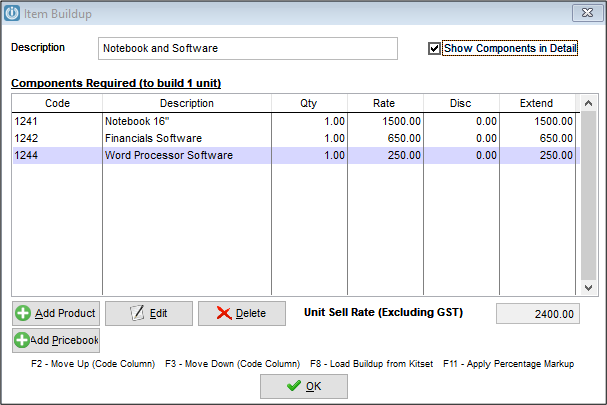
With the Show Component flag ticked, the invoice will show the Components but omit the individual pricing.
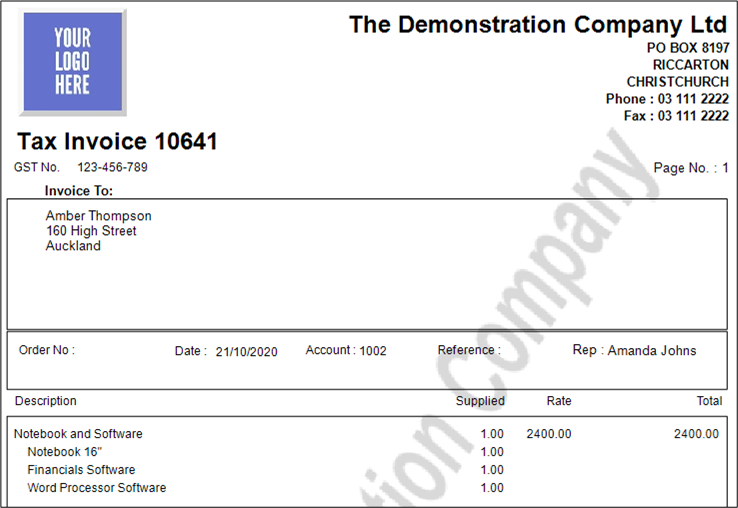
Unticking Show Components in Detail
Only the Description will be seen.
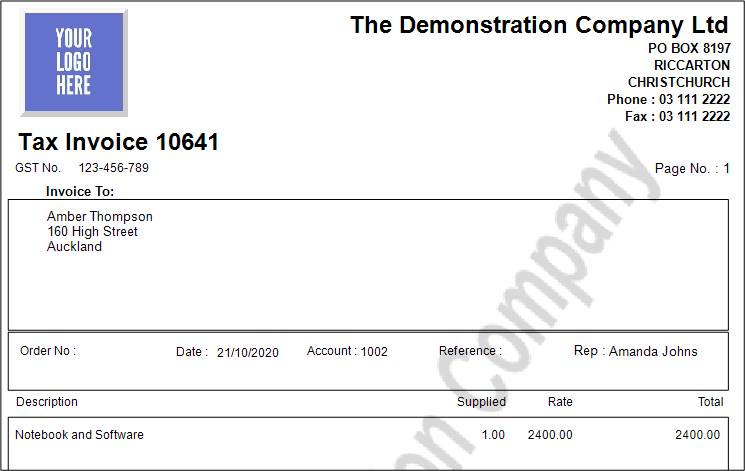
Users can still see the components by viewing the Audit.
Comments
0 comments
Please sign in to leave a comment.