How do we deactivate products or make them inactive?
Solution
The software has the ability to make products Inactive. This can be done by opening an individual product and selecting the tick box in the top right hand corner "This product is inactive"
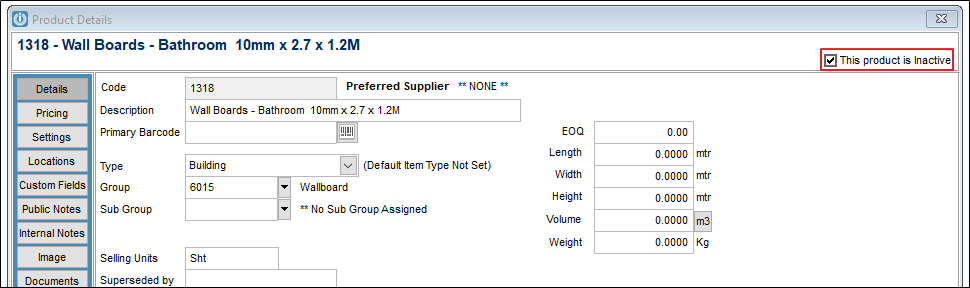
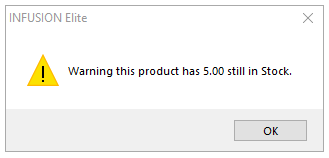
A product will only be made Inactive if there is no stock on hand.
If there is stock on hand, a warning will appear.
Numerous reports have check boxes asking if they should include the inactive products.
Comments
0 comments
Please sign in to leave a comment.