A custom utility is available on request to Export and Update your Additional Price Levels.
Background
Additional Price Levels can be created under the Admin / Settings Menu. These are not available to be accessed or updated in the same way the eight standard price levels are.
A utility has been created to export all prices set against additional price levels, and if desired, to update or add prices to these price levels.
Your Infusion Partner or Infusion Support will add the utility PRODXTRAUP.app to your Infusion folder and the utility.dbf table.
Running the Utility
Go to Admin / Custom Utilities
Select Export and Update Additional Price Levels
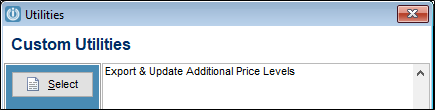
To Export only
NB: this will overwrite any previous exports.
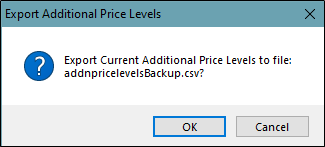
Select OK
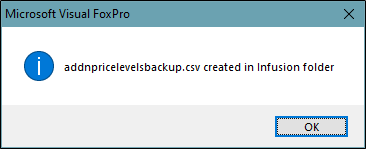
The .csv file created is a backup of your prices for additional price levels and can be used to edit or restore additional prices.
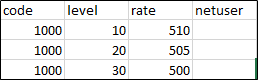
To Update and Append New Prices for Additional Price Levels
The utility uses a file called addnpricelevels.csv which must be saved in your Infusion folder.
It must have the format CODE / LEVEL / RATE
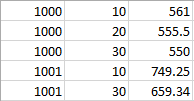
After you have chosen to either export or not you will be prompted to Import and Update Additional Price Levels from file: addnPriceLevels.csv
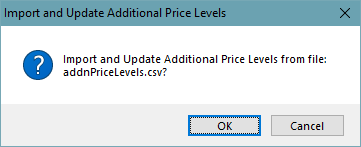
Select OK
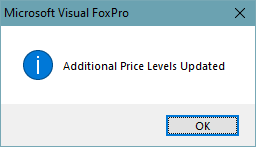
The Prices for Additional Prices are updated.
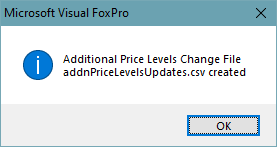
The addnPriceLevelsUpdates.csv file records Original and New Prices.
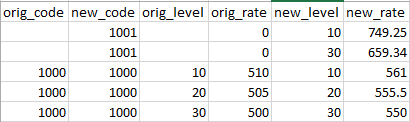
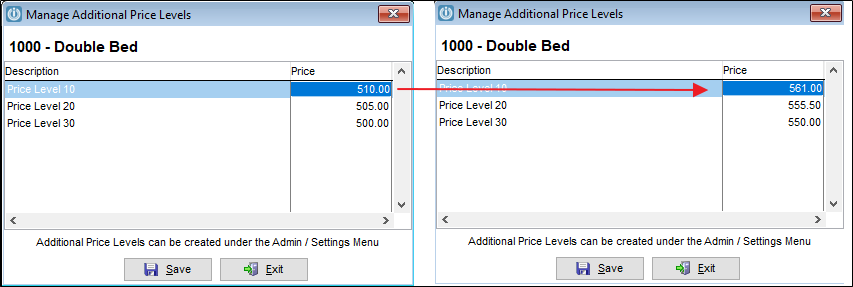
Before and after
Comments
0 comments
Please sign in to leave a comment.