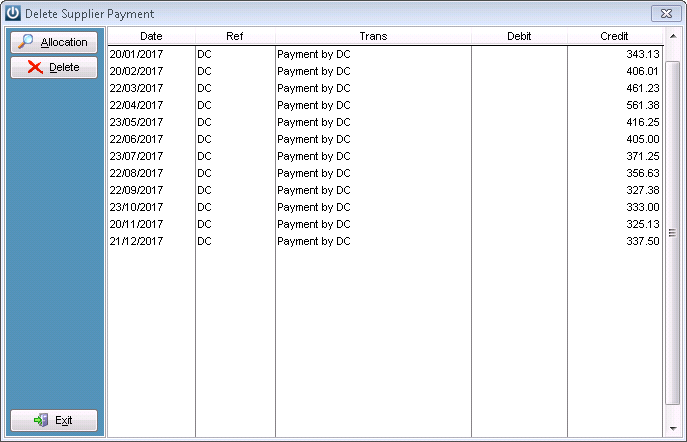
On occasion it is necessary to Delete a Supplier Payment, to do this go to Admin / Deleting / Delete Supplier Payment.
Solution
Select the relevant payment and delete. It is strongly recommend that the correct reason for the deletion is entered.
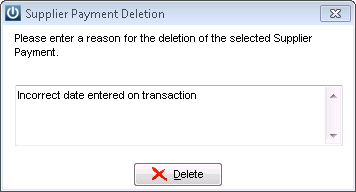
This reason is then stored in the Audit trail.
Payments not able to be reversed:
- Where the GST has been closed off if you are on Payment Basis
- Transactions outside out lockout dates
- Transactions that are sitting tagged in the Bank Reconciliation
- Transactions which had an unallocated portion, which was used in a later payment. (the second payment must be deleted and then the first payment can be deleted)
- Transactions outside the Systems Start date
See What is a Payment Reversal for an explanation for what happens to the deleted payment
Comments
0 comments
Please sign in to leave a comment.