I have entered a cashbook transaction into my Bank Reconciliation incorrectly, can I delete it?
Solution
While this entry cannot be deleted, in some cases it can be reversed.
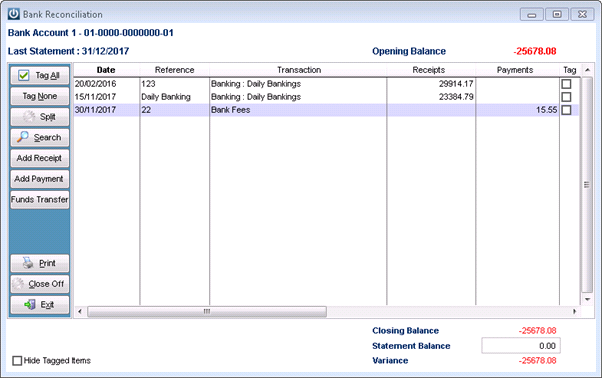
If the transaction was entered using the Enter Payment or Enter Receipt function and is still in the Bank Rec and is not Tagged, as the Bank Fees below.
Exit the Bank Rec screen and go to Cashbook / Utilities - Reverse a Cashbook Transaction.
Enter in the correct dates for the Transaction and again as long as it is not Tagged, Reconciled, outside the lockout dates, outside a GST Period it will appear.

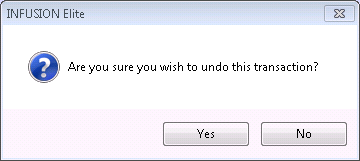
Select the Undo button for the following prompt
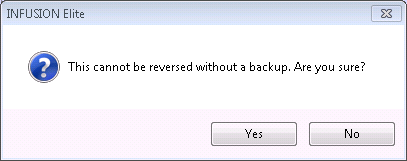
Then the warning that it cannot be reversed without a warning.
The transaction will now appear in the Bank Reconciliation and automatically be ticked off along with the first transaction.
Comments
0 comments
Please sign in to leave a comment.