Part Filled purchase orders are several packing slips from a supplier that relate to one purchase order in Infusion. It is possible to receive one invoice per packing slip or add multiple packing slips into one invoice.
Setup
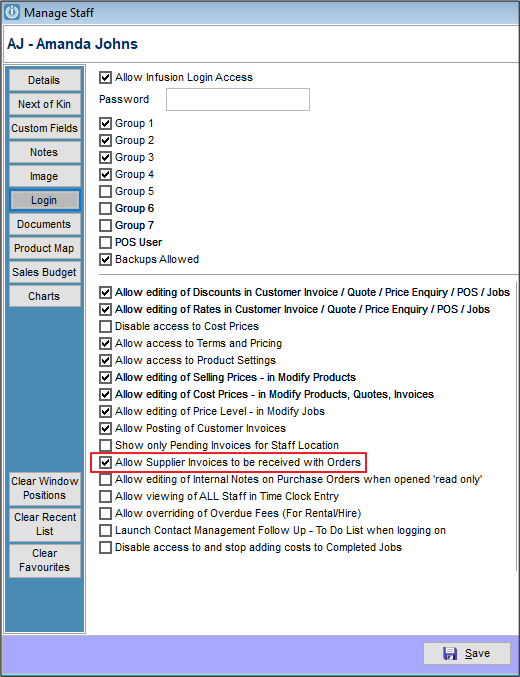
From the Manage Purchase Orders screen double click on the Order and you will be asked, depending on your Staff Set up, if you have either the Supplier Invoice Purchase Order or Packing Slip
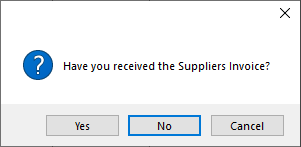
As you are only processing Packing Slips select No if you see the window below
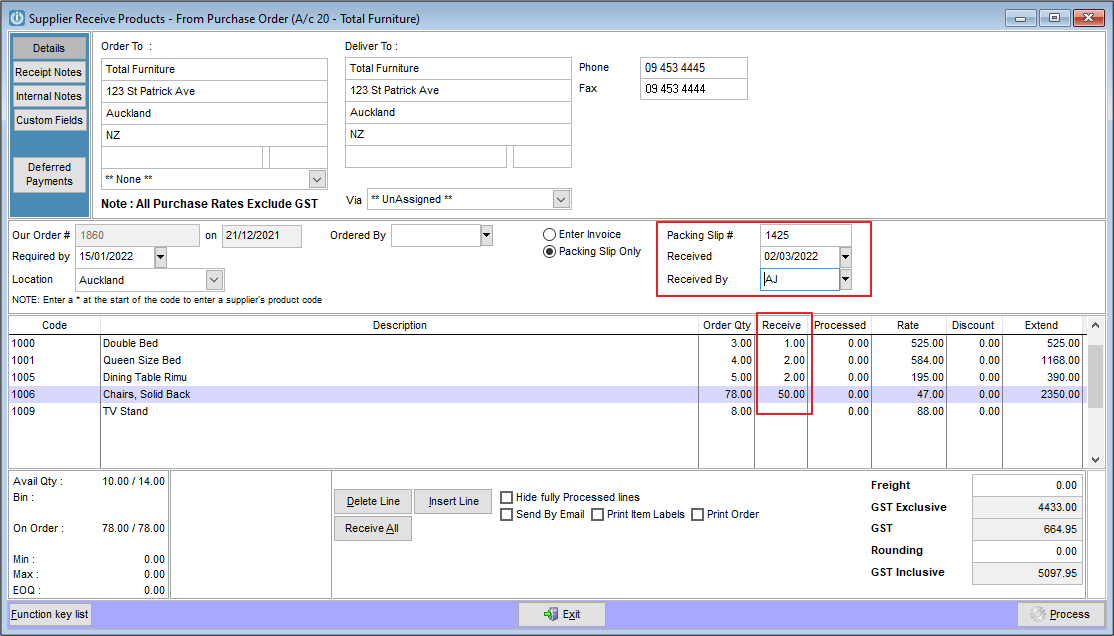
Enter the quantities of the Products on the Packing Slip being received, the Received date and Packing Slip number then select Process.
Repeat the process for each Packing Slip. Ticking the Hide Fully Processed lines will hide lines already fully supplied and make processing easier.
Continue receipting in as many packing slips as relevant to this order number.
Supplier Invoice
When the Supplier Invoice arrives, select the Invoice/Part Fill option from the bottom of the screen

Open the screen and using the buttons at the bottom of the screen Packing slips can be added or removed.
But the products on the Packing Slips must match the Supplier Invoice being entered.
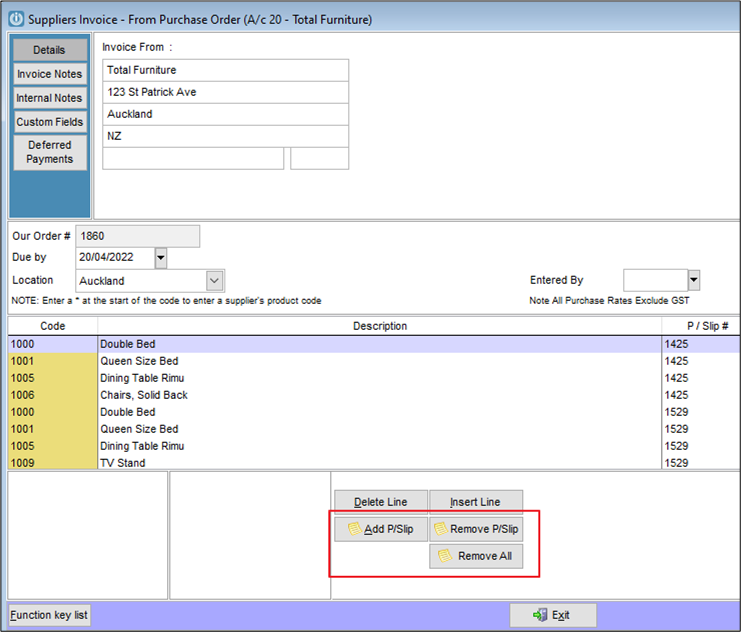
Continue this process until all Supplier Invoices have been entered for the outstanding packing slips.
Comments
0 comments
Please sign in to leave a comment.