On a Purchase Order there is an option to Print Item Labels and Print Job Labels, what do they do if I select them?

Solution
These buttons have two separate functions.
See the Existing Article on Printing Item Labels.
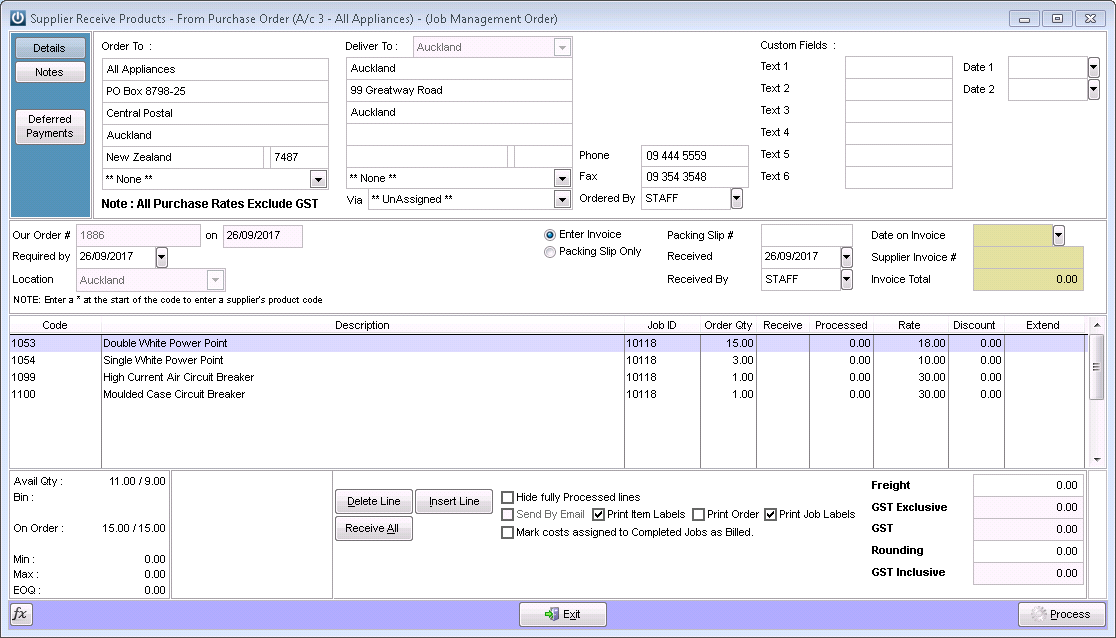
If the Print Job Labels is selected, a label using the layout BARCODE7, is printed for any receipt line that has a JOBID
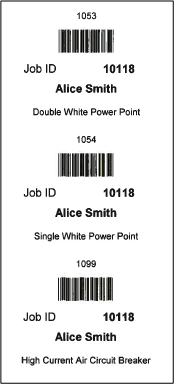
These fields are available to print on the Job Label
- Product Code
- Customer name as on the Job
- Jobid
- Product description as on the Purchase Order
- There is also a link to the purchase order receipt transaction
The Job Label BARCODE7 can be customised, and more fields from the Job can be added. Please contact Support at Infusion for a quote.
If the Print Item Labels is ticked, a Product Label is printed, using the Default Label Layout set in Admin / Defaults / Product Defaults
Comments
0 comments
Please sign in to leave a comment.