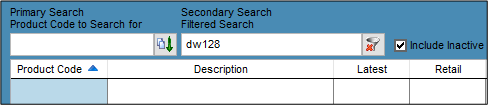
I ordered and received a product from a Supplier’s pricebook but now the product isn’t in my product file. How do I see it?
Solution
Also see Created a new product but this is not showing when searched for
Have you clicked Exit in the Create Products from Pricebook screen when receipting the product?
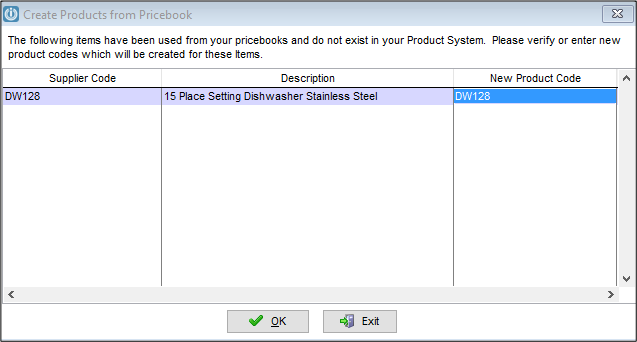
To fix this, create a saved invoice to a Customer using the Pricebook selecting the relevant product. When you save the invoice, you will be prompted to create the code from your pricebook. This time select ok and the product will be brought into your product file.
You can now delete your saved invoice.
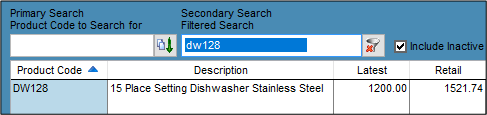
Run a product integrity check and your receipted quantity will display against the new product.
Comments
0 comments
Please sign in to leave a comment.