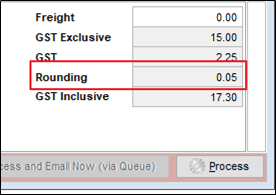
We do not have Rounding activated but we still have it appearing on our invoices and we can not edit it. What do we do?
Solution
See How Do I Activate Rounding to set it up within Infusion Business Software.
If the System has POS, check the Defaults. Point of Sale (POS) Rounding can be set up in in a number of ways.
But, where the Rounding box is greyed out and Rounding is still occurring, this means the above two steps are not set up.
Check the System Defaults to see what the default payment method is.
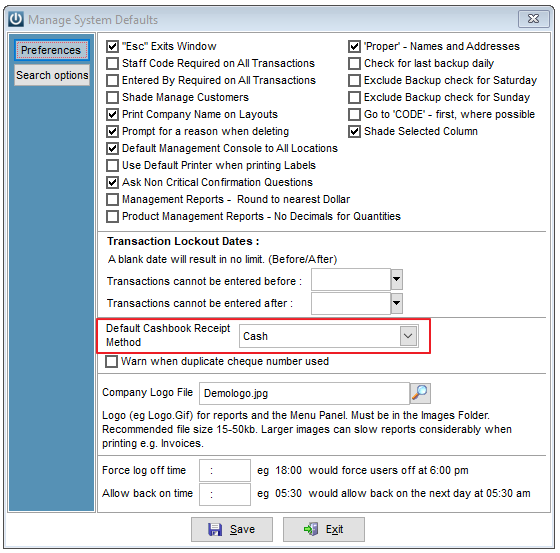
If it is Cash, then it is assumed that on every Invoice the Customer is paying by Cash, even Account Customers. So the system is automatically adding rounding.
Change the Default Cashbook Receipt Method, tidy the auto General Ledger Codes.
Comments
0 comments
Please sign in to leave a comment.