I can see rounding on the bottom of the Customer or Supplier transactions but it is greyed out. How do I make it work?
Solution
Rounding is set up under Admin / Defaults / Manage Financial Defaults. If there is no code in the default, the rounding option will be greyed out.
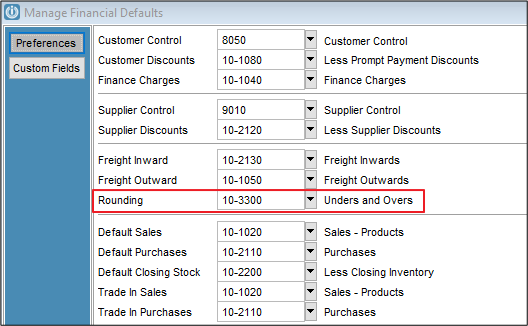
To activate, add a GL code. In the Demo Company we use 10-3300 Unders and Overs, which is an Expense Transaction Account.
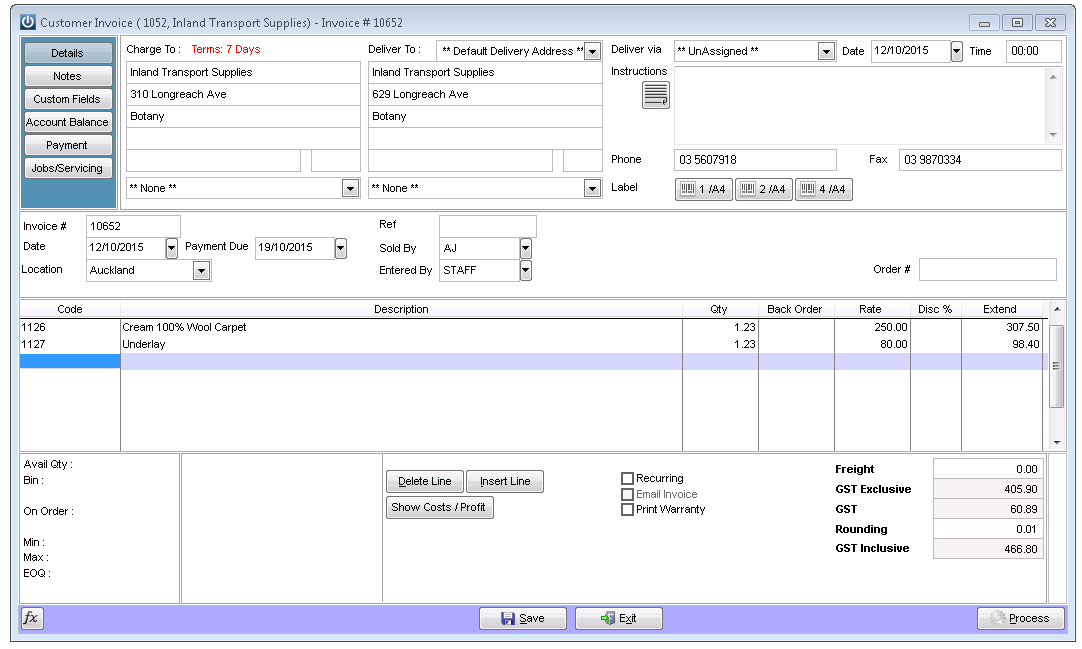
Now you can enter Rounding - as either a positive or negative number.
Comments
0 comments
Please sign in to leave a comment.