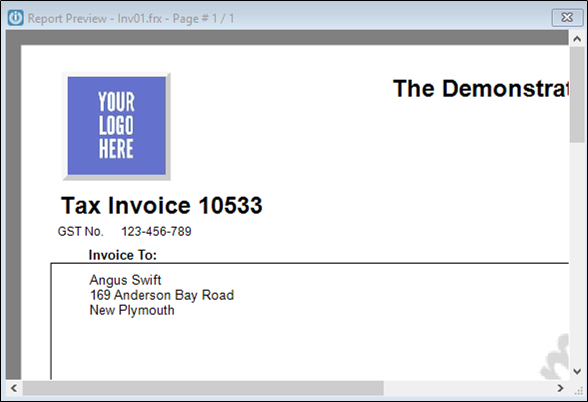
When I Print Preview an Invoice, the Preview screen is very small. How do I make the Preview display larger?
Solution
Print the Invoice to screen and press the configuration icon on the foxy preview toolbar.

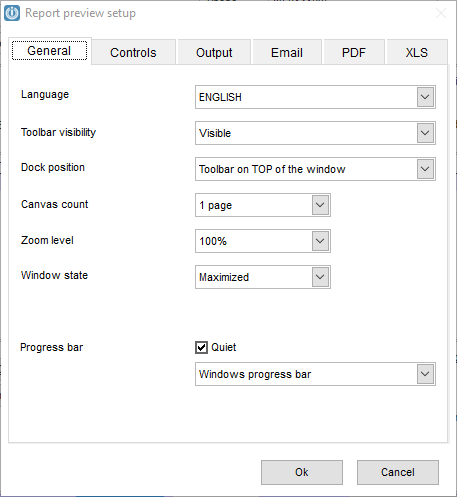
When the Report preview set-up screen appears, set the Zoom level to 100% and the Window state to Maximized
and select okay.
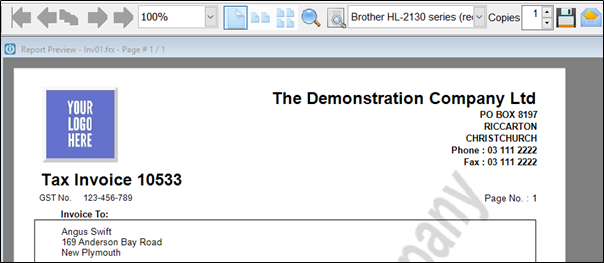
The invoice will now open in on the full screen, each time preview is selected.
Comments
0 comments
Please sign in to leave a comment.