I am setting up Contact Management and the Setting up of Groups, Types and Follow Up Types is different to the way I have set up anything else in Infusion. How do I do this?
Solution
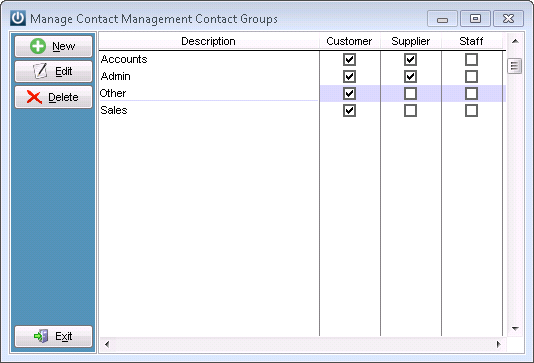
With Contact Management several of the Groups, Types or Follow Up Types can be used in all three areas of the Software. To make the settings up of this easier when creating these areas there is a tickbox to select which Module the Type will appear in.
Please select Admin / Settings / Contact Management / Manage Contact Management Groups or Types or Follow Up Types.
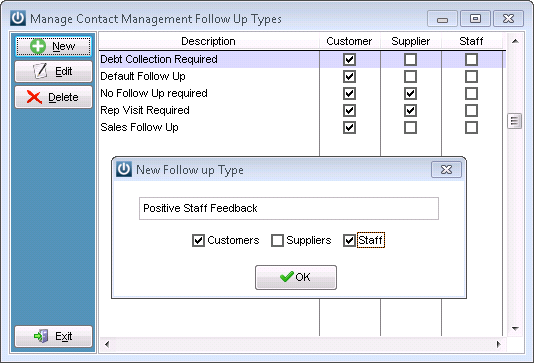
After creating the new Type, if necessary simply select and edit.
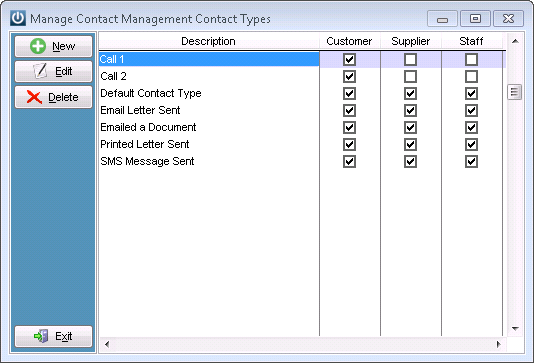
Some Types or Groups may belong to one, two or three sections of the Contact Management Module.
Comments
0 comments
Please sign in to leave a comment.