The Rebuild Customer Item Service Dates Utility is available from the Admin / Other menu.
For this utility to run correctly, the Services need to be set up under Admin / Settings / Customer Items / Manage Customer Item Types - Servicing.
It first uses the purchase date and then checks to see if there are any invoices linked to that Item ID. If there are, then the latter of the two is used as the date to base the next service from.
Note - Customer Items is also known as Outdoor Power Equipment or OPE
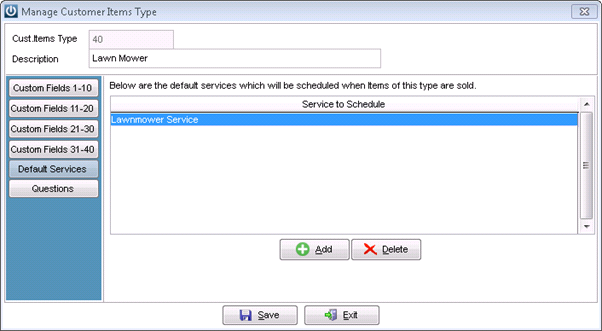
When the Utility is run, the following prompt appears:
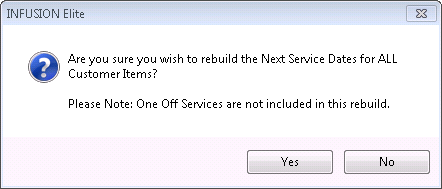
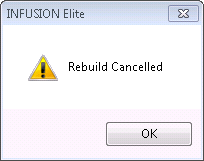
If no is selected then
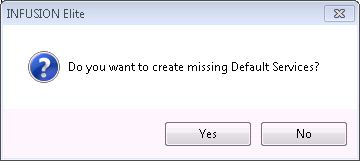
But if yes is is selected then users are asked if they want to create missing Default Services.
The utility will then rebuild the Service Dates.
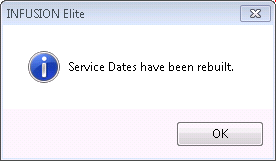
On completion, check from Customer Items / Servicing / Items With No Services Assigned Report, these will show any ID's that still do not have Services assigned to them. It may be necessary to check the Services need to be set up under Admin / Settings / Customer Items / Manage Customer Item Types - Servicing again - or they may not have services that can be assigned to them.
Inactive Customer Items will not be included in this Utility.
Where Services are more than two years old we can Update the Servicing Dates
Comments
0 comments
Please sign in to leave a comment.