The standard setting for rates and quantity is two decimal places. If required this can be increased up to four decimal places by going to Admin / Defaults / Manage Product Defaults and changing to the required number.
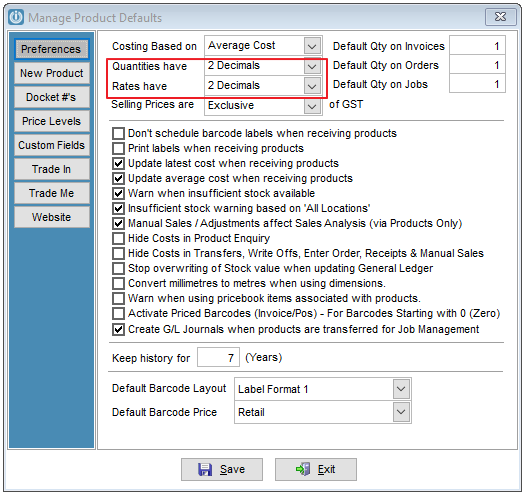
It is important to note that if these are changed, some reports may show asterisks where they do not have enough room to print the figures in full. It is advisable to go to Admin / Defaults / Manage System Defaults and change these settings.
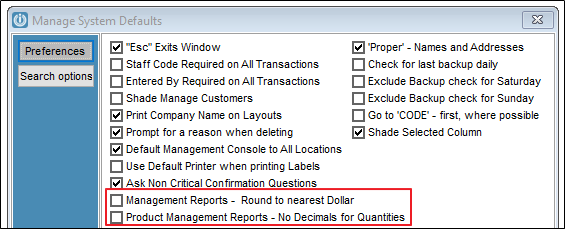
Or reports can be customised if necessary.
Comments
0 comments
Please sign in to leave a comment.