This screen is only active when the Invoice is opened and information entered initially. If it is saved as Pending users cannot go back and make changes in here.
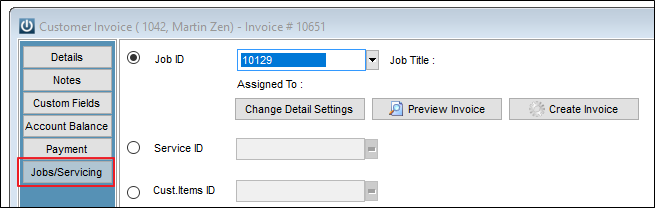
The Job Number is locked as soon as this is entered, however the Customer Items can be changed until the Invoice is saved to Pending or Processed.
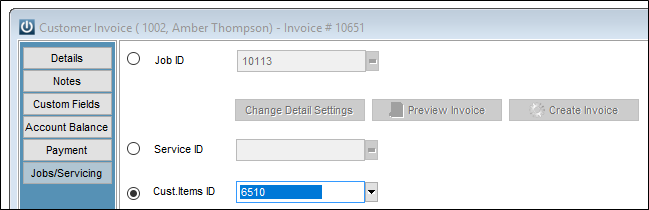
This is because this screen is opened from the Jobidx table and once saved for the first time it is locked shut. This is by deliberate design.
When users open an invoice from Job Management, nothing is confirmed in until the invoice is saved for the first time, including the details in this screen.
Comments
0 comments
Please sign in to leave a comment.