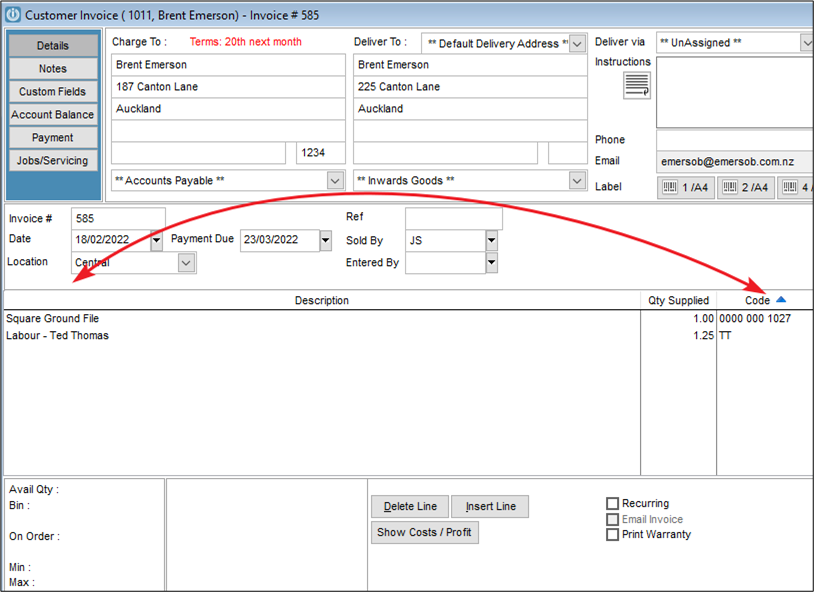
When I open my Invoice all of my columns are out of order and I cannot get them to go back into the correct order. (Below the Code column has moved. How can I fix this?
Solution
We can see here that the Code Column has moved past the description and the other columns are just not looking correctly. This will only apply to the Individual Staff member, not to all users.
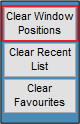
Go to Staff / Manage Staff and open the Individuals Staff record. On the main page there is an option to Clear Window Positions.
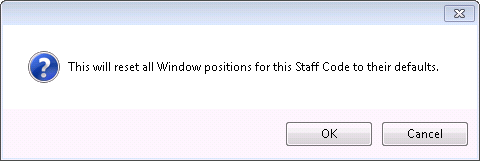
This will reset all Customised Windows but will also correct the screen that is causing trouble, like the Invoice or Job Management screen.
Comments
0 comments
Please sign in to leave a comment.